Skip to content
Draft concept by Danilo Vicioso, not affiliated with Stickerbox.
Let's chat
  • Give $30 - Get $30
  • Refer a friend

Creativity that sticks

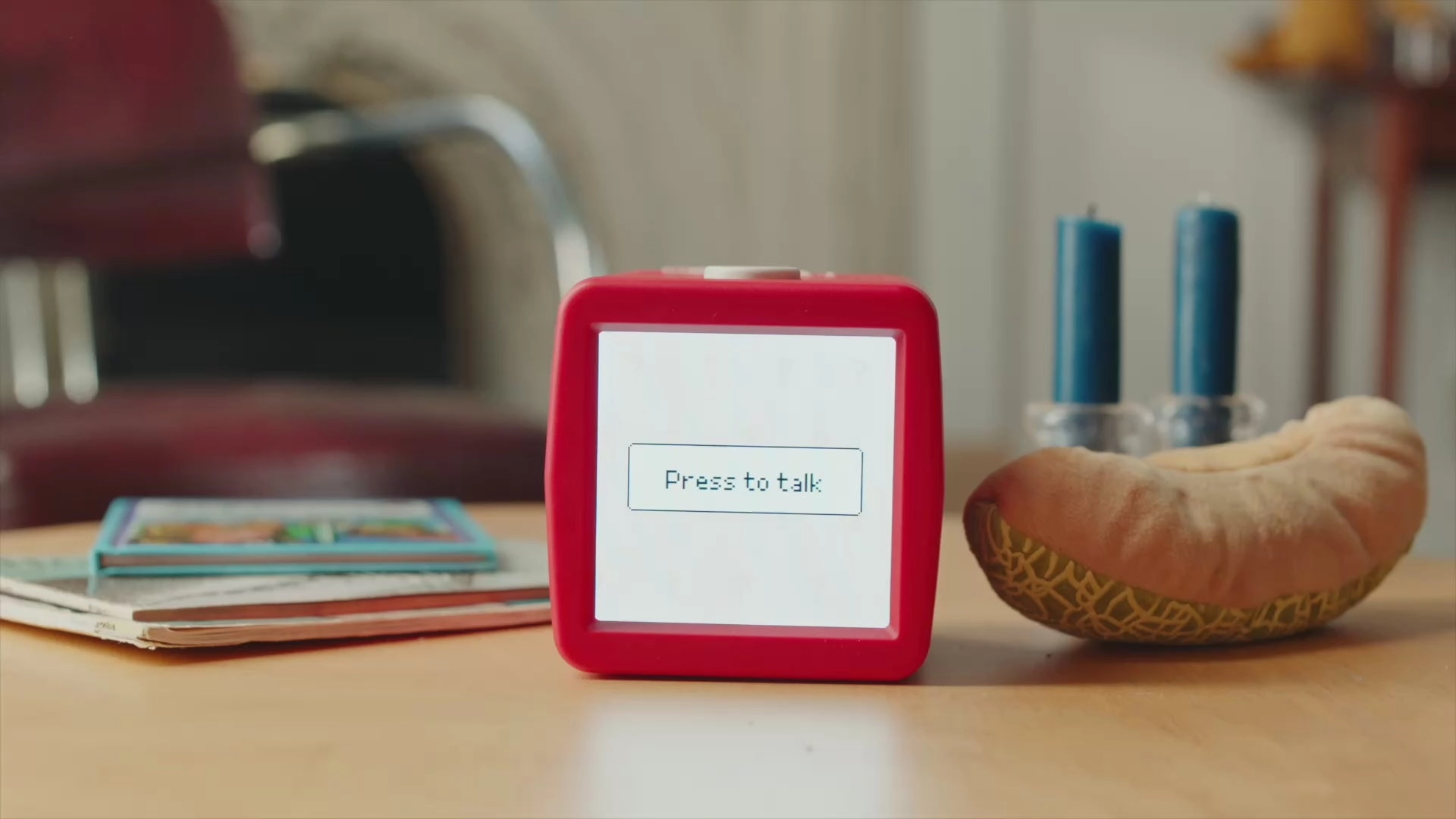
A red Stickerbox on a wooden table, its screen showing the words Press to talk

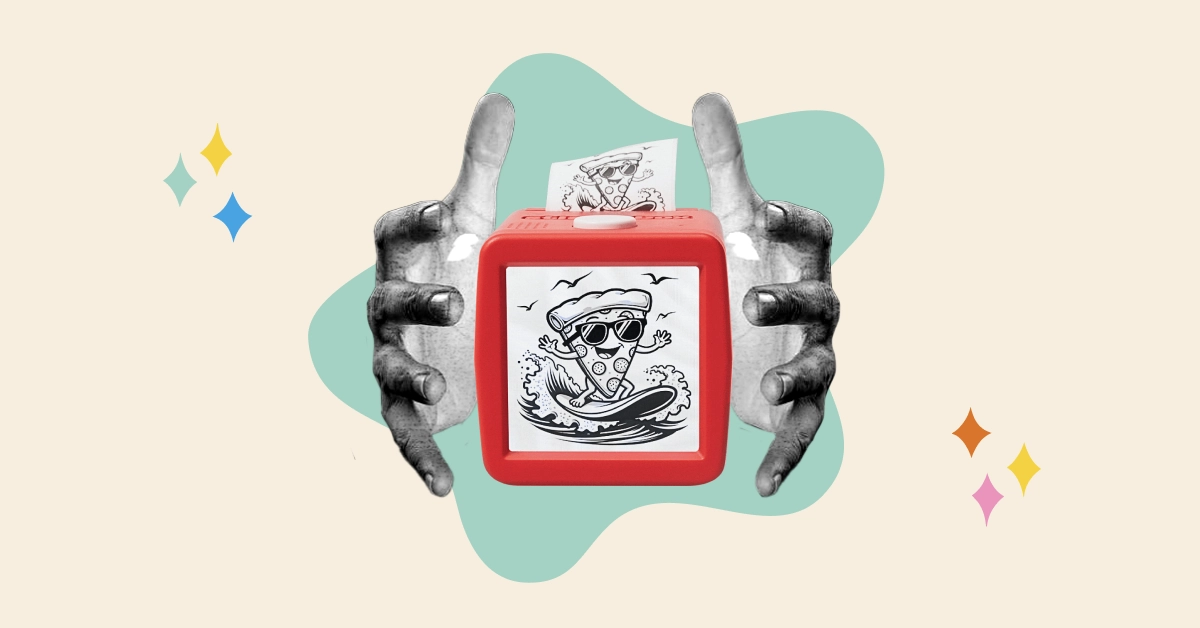
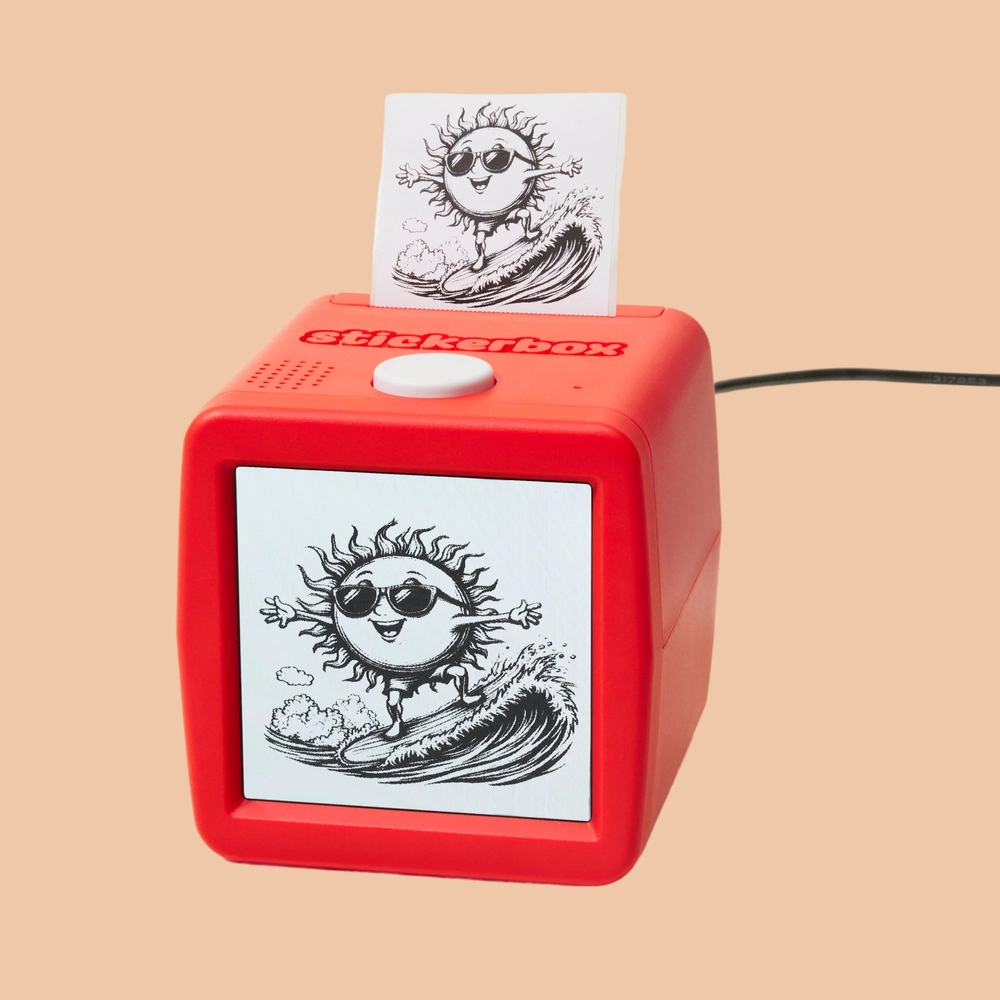
The magical creation station that turns ideas into stickers you can color, share, and collect.

Order Now Get Bundles

As seen on

  • Press card: “I haven't see a gadget like this in quite a while, like ever”, TODAY
  • Press card: “A breakthrough in kid-friendly AI play.”, TrendHunter
  • Press card: “A future-friendly gift for families who value creativity”, Daily Mom
  • Press card: “Kids love stickers and this toy lets them create their own design”, Newsday
  • Press card: “We've had so much fun making unique stickers”, Scary Mommy
  • Press card: “Say it out loud and watch your imagination turn real!”, Medium
  • Press card: “A new kind of creative play”, TechCrunch
  • Press card: “a box that turns verbal descriptions into artwork”, NPR
  • Press card: “It felt like magic itself”, Tom's Guide

say it!

1. Speak your idea.

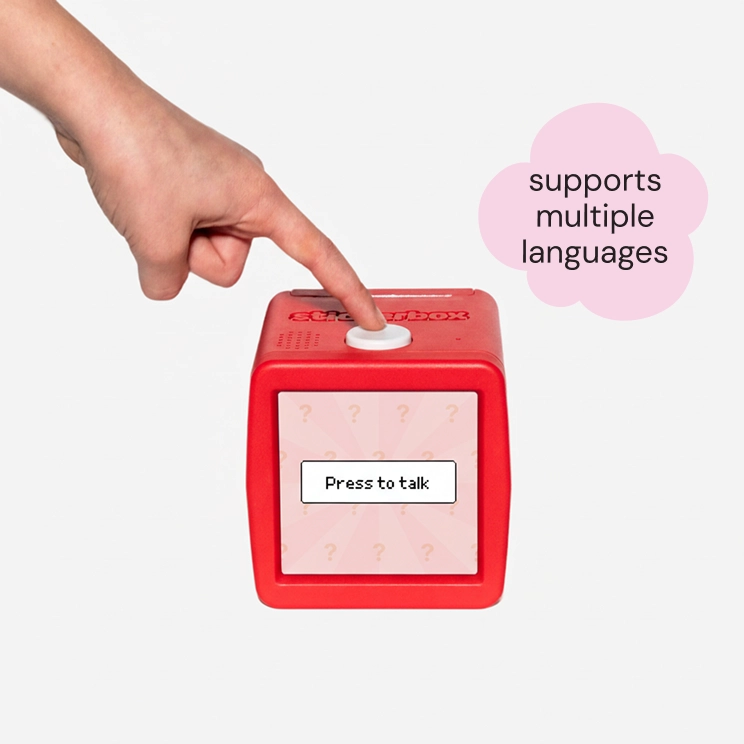
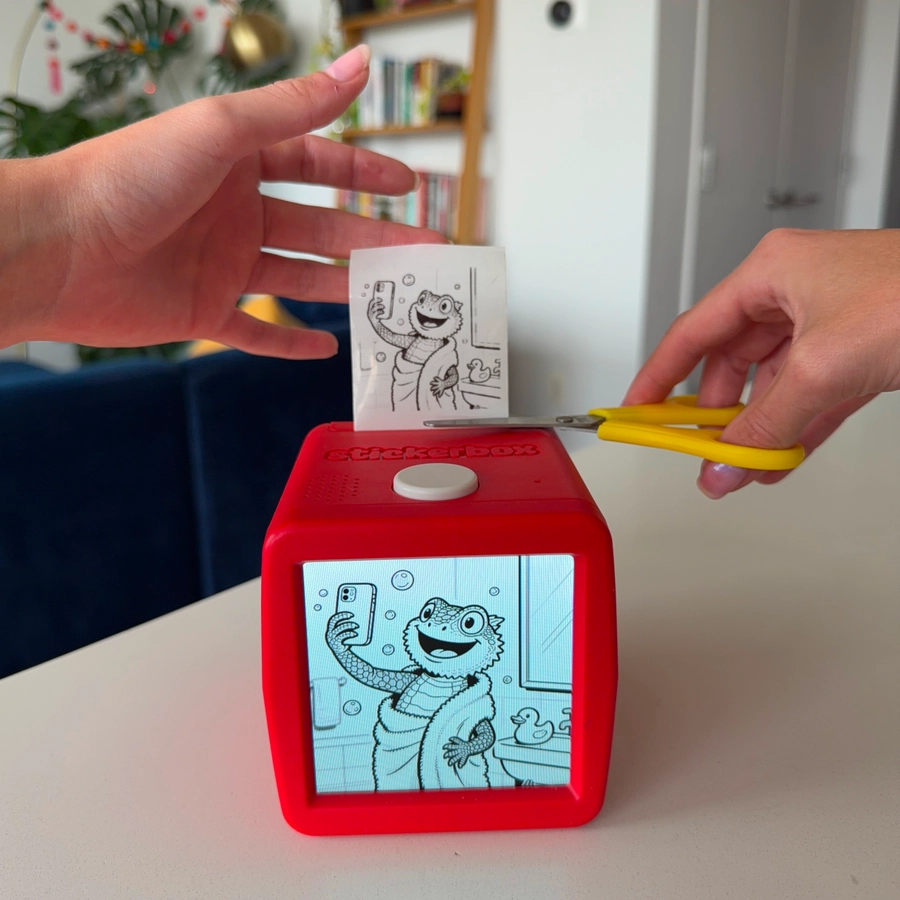
Once the box is set up and you see the “ask” screen, hold the button down to speak and tell Stickerbox what you want to make. Then release the button.

This is where the real fun begins! With Stickerbox, there are no rules and no perfection required. Whatever you can say, you can make into a sticker. Your voice is the magic wand.

A hand pressing on Sticker's button and the screen says 'Press to talk'. Next to it, there is a 'supports multiple languages' in a pink speech bubble.

Can I use languages other than English?

Yes. Stickerbox understands multiple languages. Speak clearly in whichever one you prefer.

  1. “A friendly ghost flying a kite.”
  2. “A dinosaur DJing a dance party.”
  3. “A slice of pizza riding a skateboard.”
  4. “The world's fluffiest baby penguin wearing a tiny bow tie”
  5. “A broccoli monster with glowing red eyes and sharp teeth”
  6. “An adorable puppy riding a skateboard through a rainbow”
Press to talk

Press the white button. Each strip is a prompt taken from the Stickerbox blog.

stick it!

3. Peel, color, share.

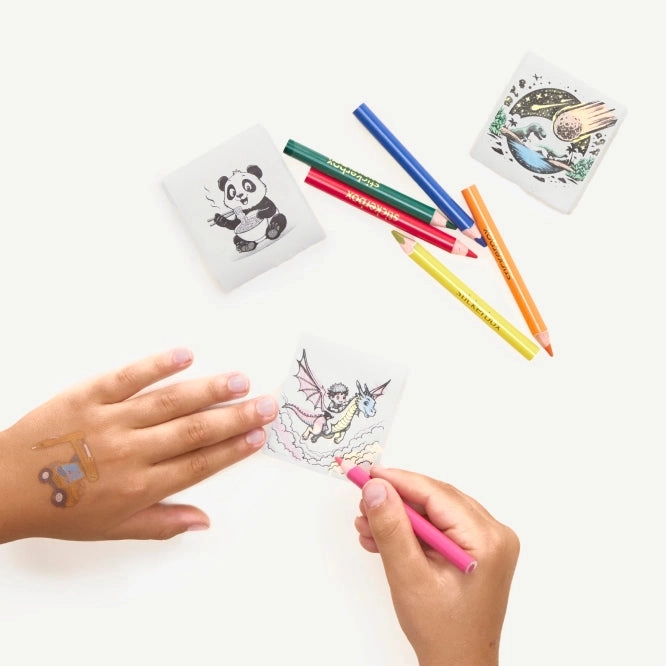
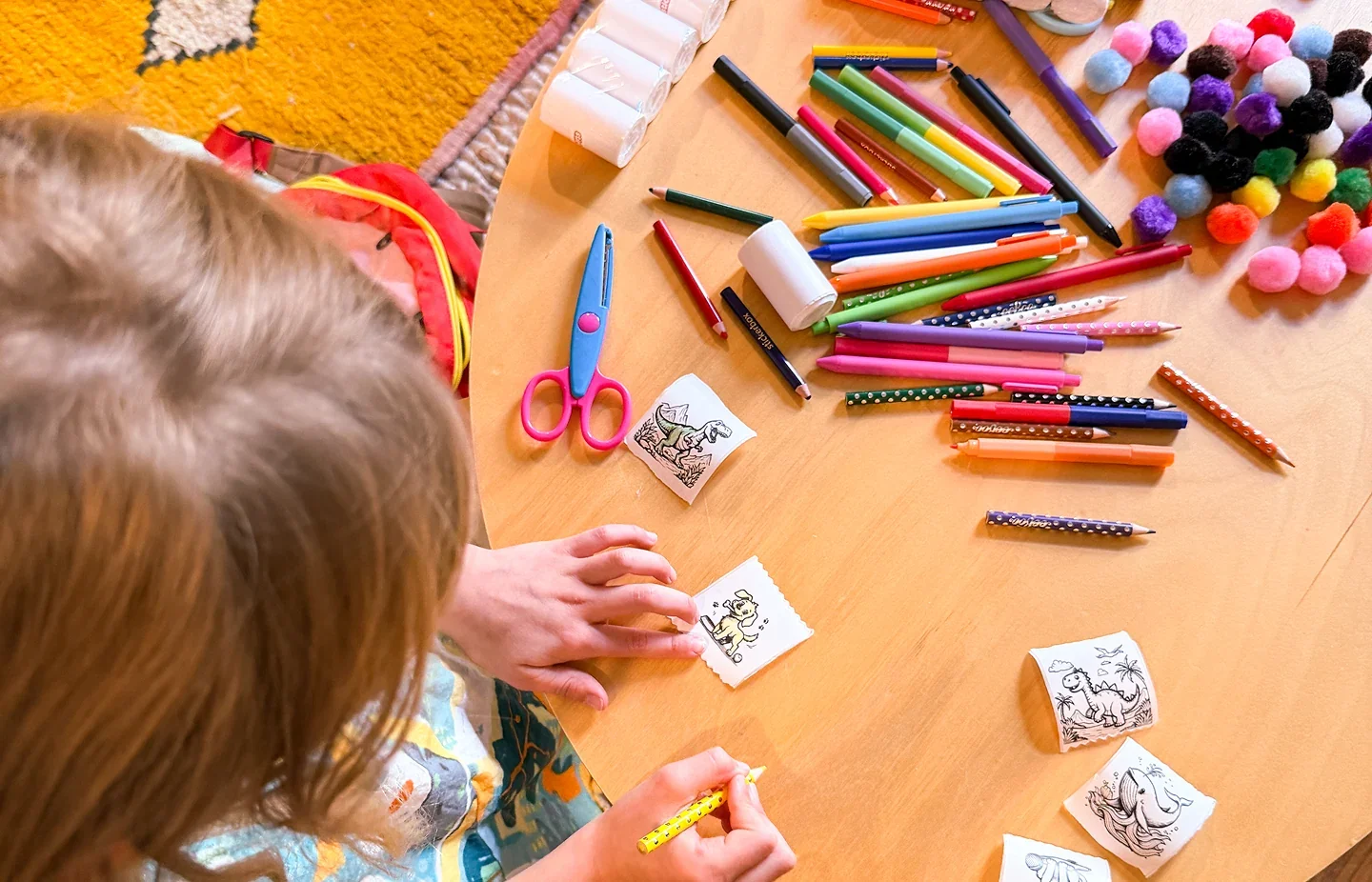
Each sticker that prints is your very own mini masterpiece, ready for you to color and customize. Make it a rainbow-colored robot or a sparkly pink dinosaur, it's completely up to you. Then, it's time to share your awesome ideas with the world! Decorate your notebooks, your water bottle, your bedroom door, or trade them with friends to start a collection. This is creativity that sticks.

Hands peeling and coloring printed stickers next to a row of colored pencils
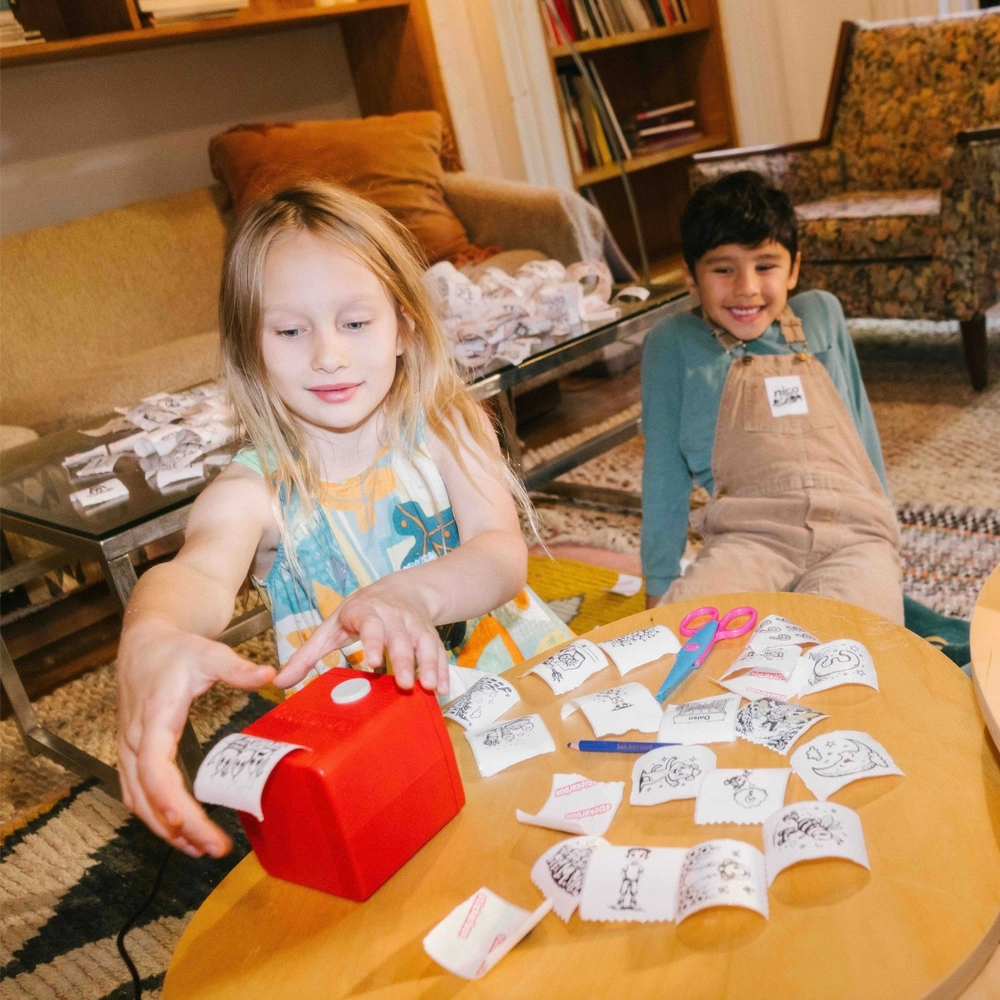
Children at a wooden table coloring black-and-white stickers with pencils and scissors
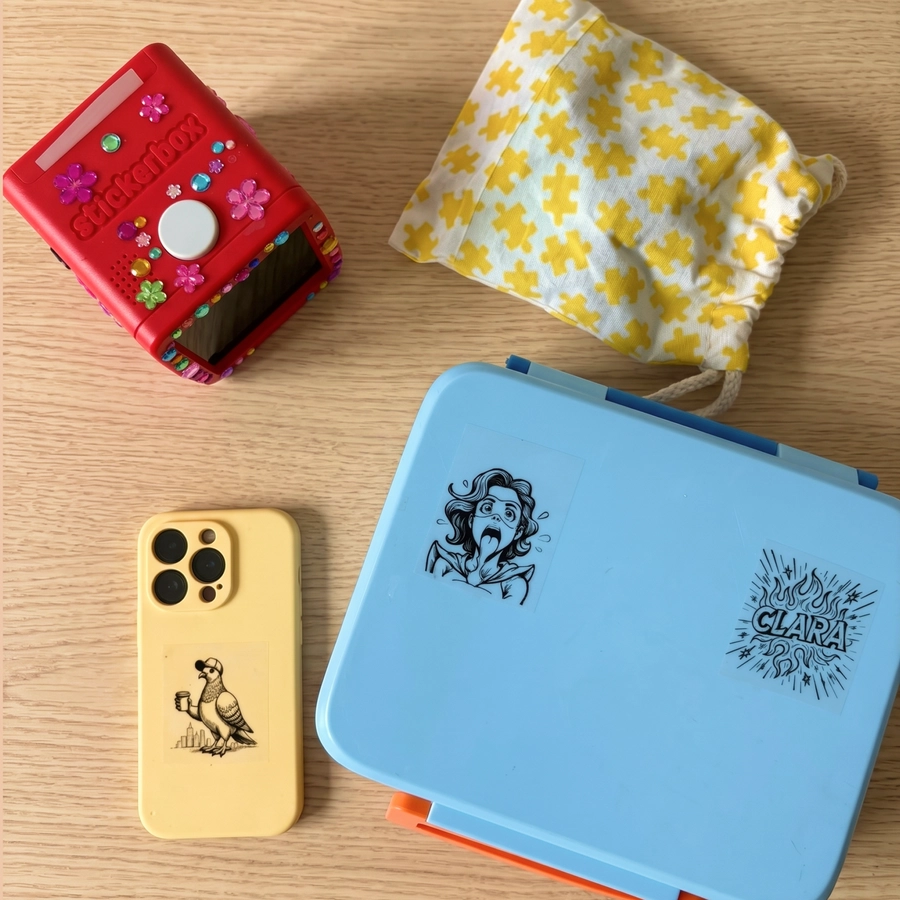
Stickers stuck on a red Stickerbox, a phone case, a pouch and a blue lunchbox
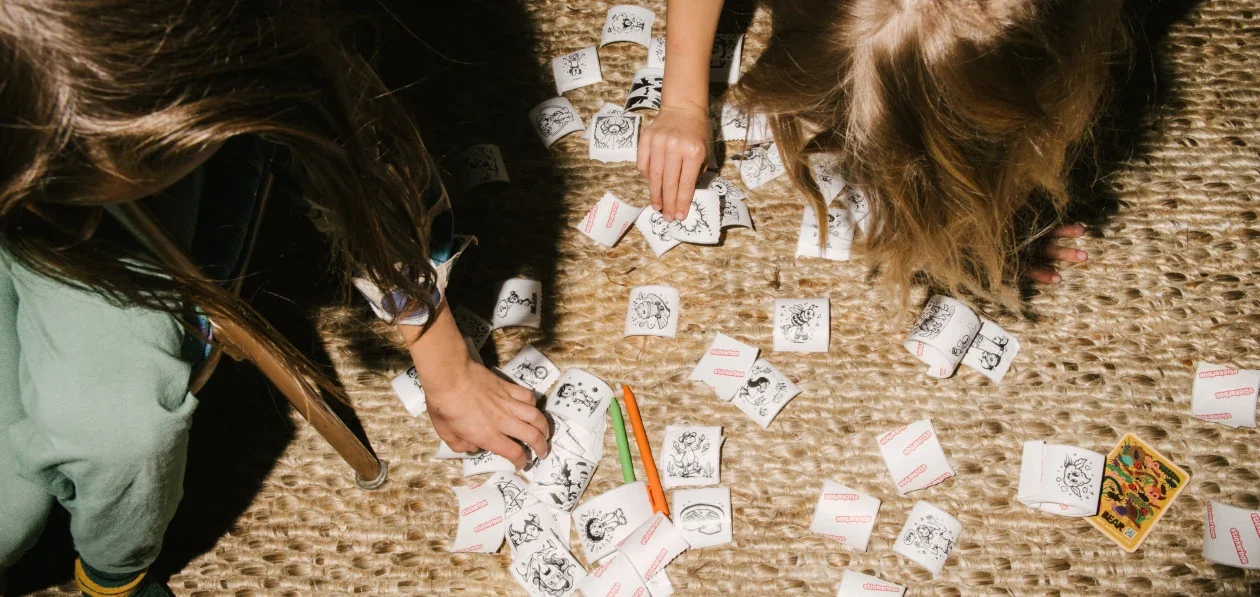
Kids' hands sorting dozens of printed stickers spread across a rug

More Features

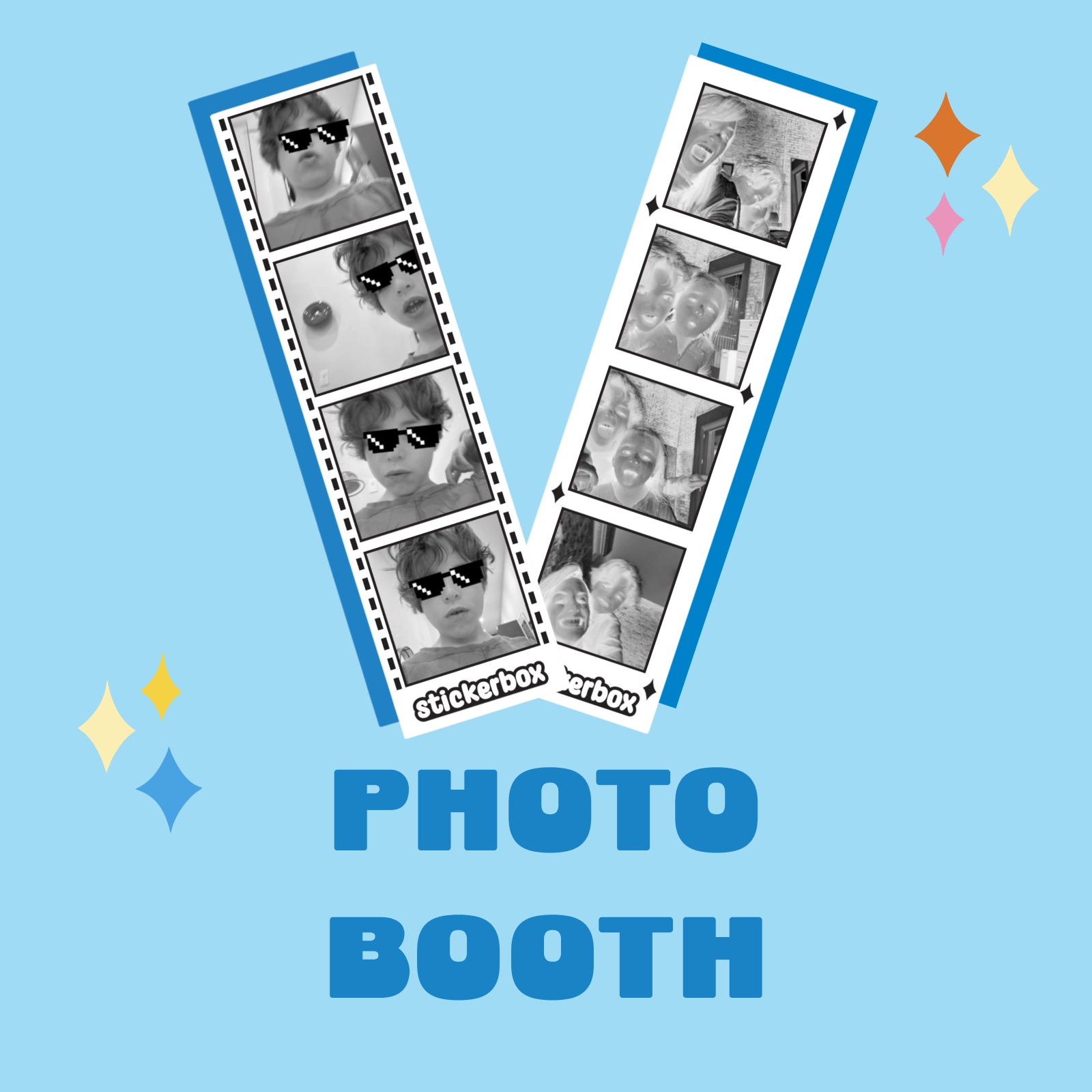
Photo Booth: two black-and-white photo strips printed by Stickerbox on a blue tile

Photo Booth

Photo Booth transforms your phone into a personal photo booth that prints classic multi-frame strips on your Stickerbox. It's perfect for parties, family gatherings, or just goofing around on a Tuesday.

  1. Pick a template — Choose from multiple strip layouts (4-frame vertical, 3-frame, and more)
  2. Strike your poses — Get your best looks ready
  3. Tap to start — The camera counts down and captures each frame
  4. Share or print — Send it to friends or print your strip instantly
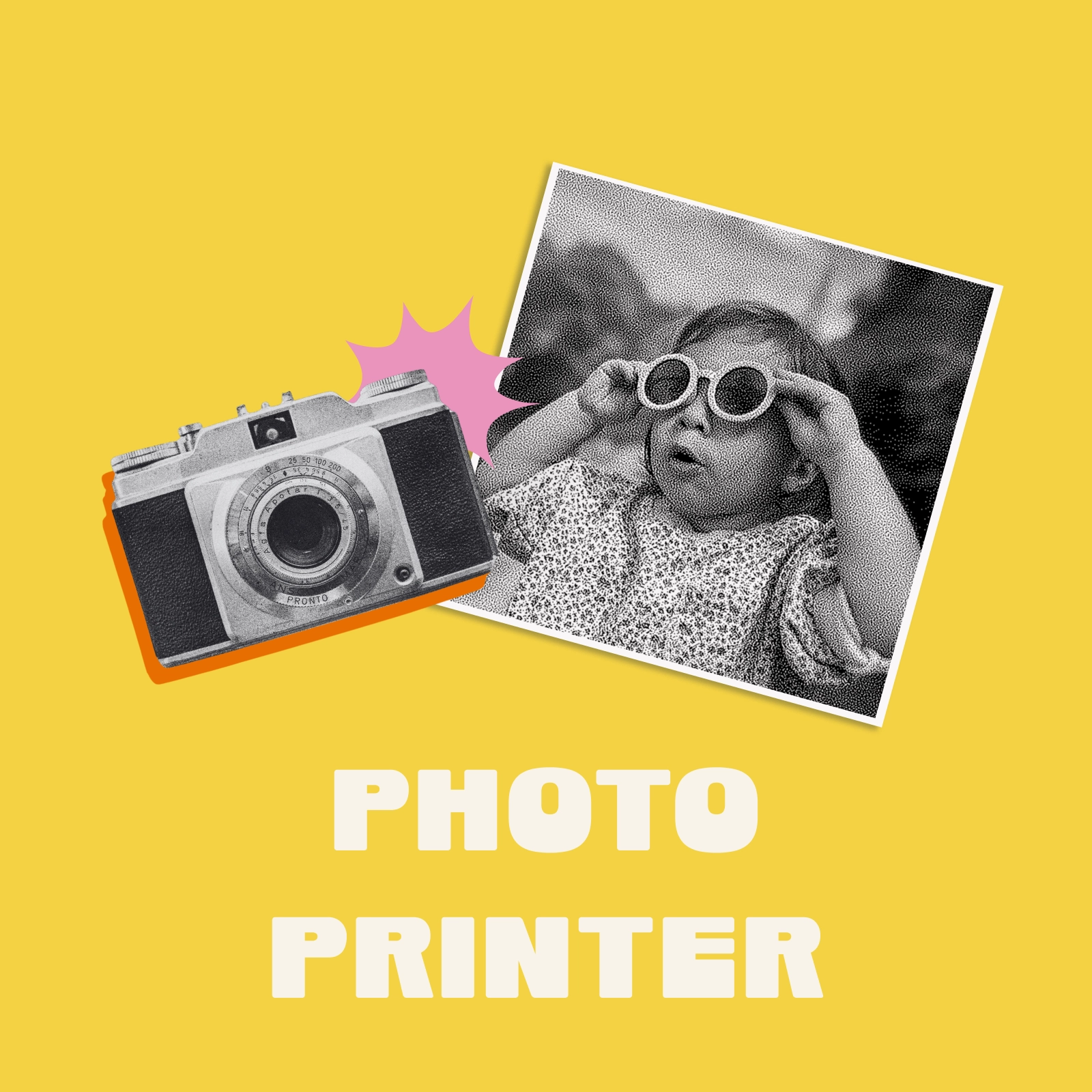
Photo Printer: a vintage camera and a black-and-white print of a child in sunglasses on a yellow tile

Photo Print

Photo Print lets you select any photo on your phone and print it directly to your Stickerbox—no cables, no cloud uploads, no hassle. Just connect to the same WiFi as your Stickerbox, pick your image, and print.

  1. Connect — Make sure your phone and Stickerbox are on the same WiFi network
  2. Select — Choose any photo from your camera roll
  3. Adjust — Drag to reposition your image and fine-tune the grayscale levels
  4. Print — Hit the button and watch your memory come to life
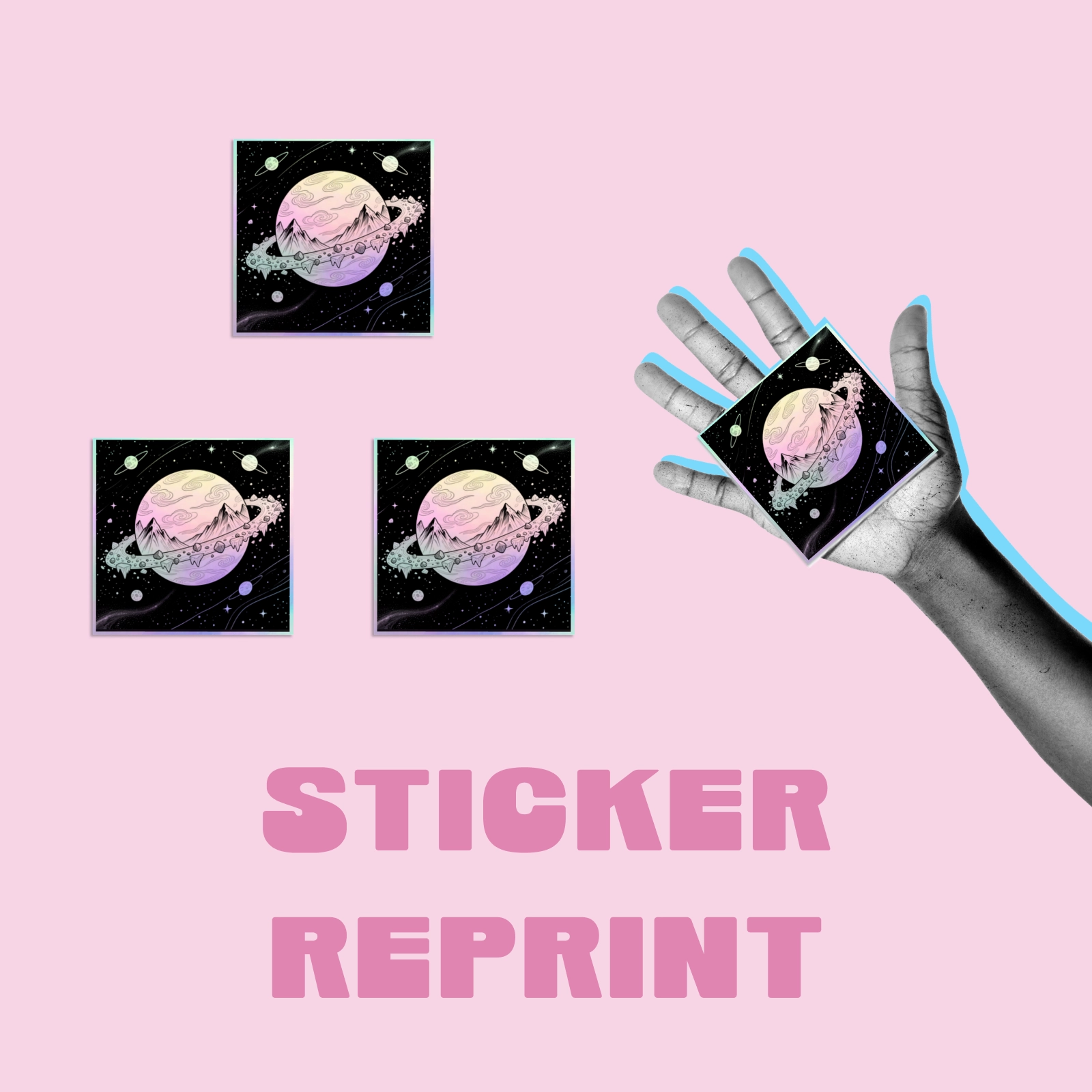
Sticker Reprint: the same planet sticker printed four times, one held in a hand, on a pink tile

Reprint

Whether it's peeled off a water bottle, lost under the couch, or loved a little too hard, your kid's favorite creation doesn't have to be gone for good. With Reprint, you can print any sticker from your gallery as many times as you want, right from the Stickerbox app.

  1. Open the Stickerbox app and head to your Gallery
  2. Tap into the sticker you want to print again
  3. Press the Reprint icon (it looks like a little printer)
  4. Choose which Stickerbox you want to print with, if you have more than one
  5. Hit Reprint and watch the magic happen
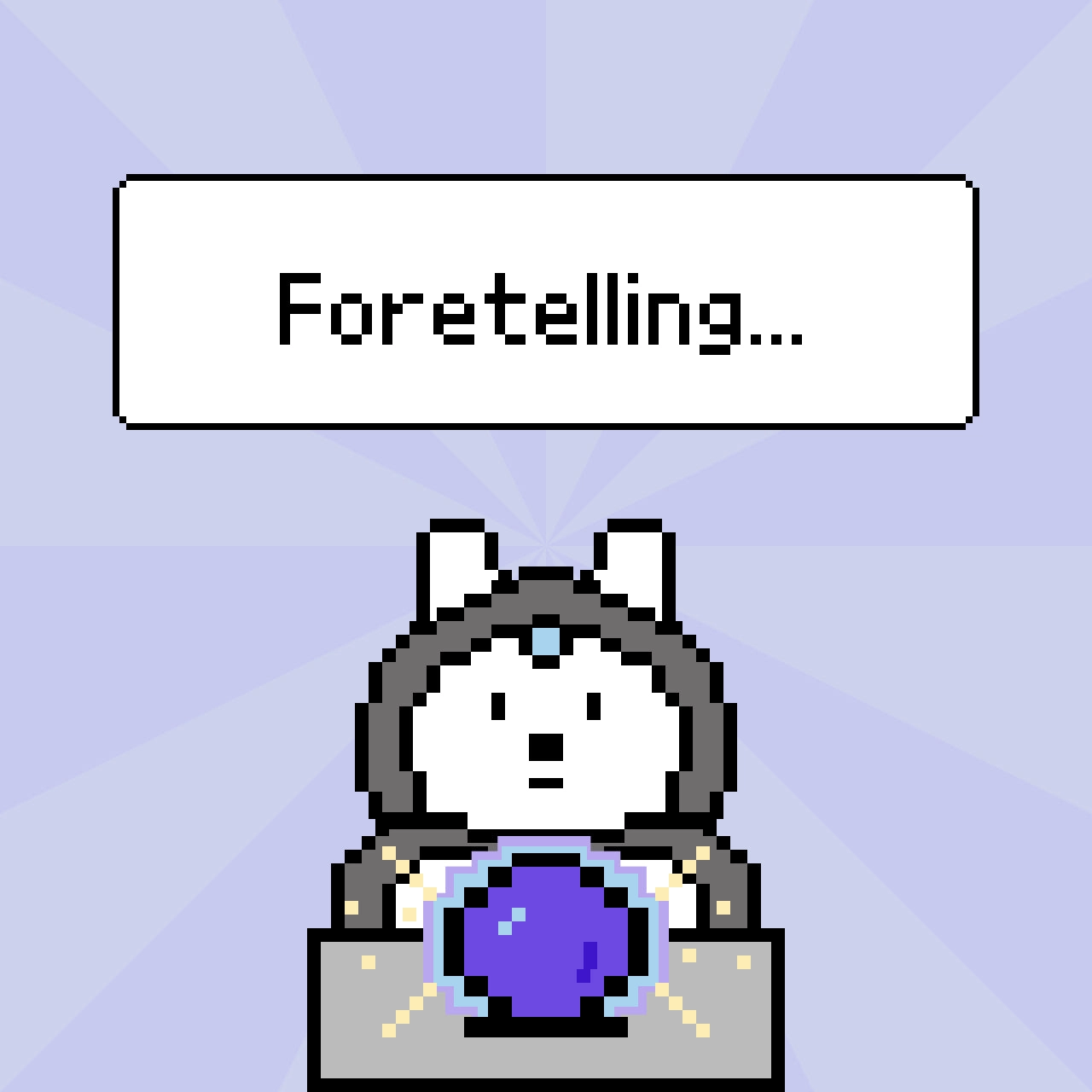
Stickerbox screen in Fortune Teller mode: a pixel bunny over a crystal ball under the word Foretelling

Fortune Teller

We're so excited to introduce Fortune Teller Mode, our newest feature that turns your morning routine into a moment of wonder. Ask your Stickerbox for your fortune, and out comes your very own fortune sticker, complete with your lucky number and lucky letter for the day.

  • Step 1. Ask the question. Say "What's my fortune?" to your Stickerbox.
  • Step 2. Let Balthazar work her magic. She'll gaze into her crystal ball and consult the cosmos on your behalf.
  • Step 3. Collect your sticker. Out pops your fortune sticker with your lucky number and lucky letter included. Tadaaa!

These features are available now in the Stickerbox app. Head to the Create tab and you'll find both Photo Print and Photo Booth ready to go.

Story Starter

30 minutes

Spark creativity and storytelling with stickers! This activity offers two fun ways to generate story ideas:

Story Starter

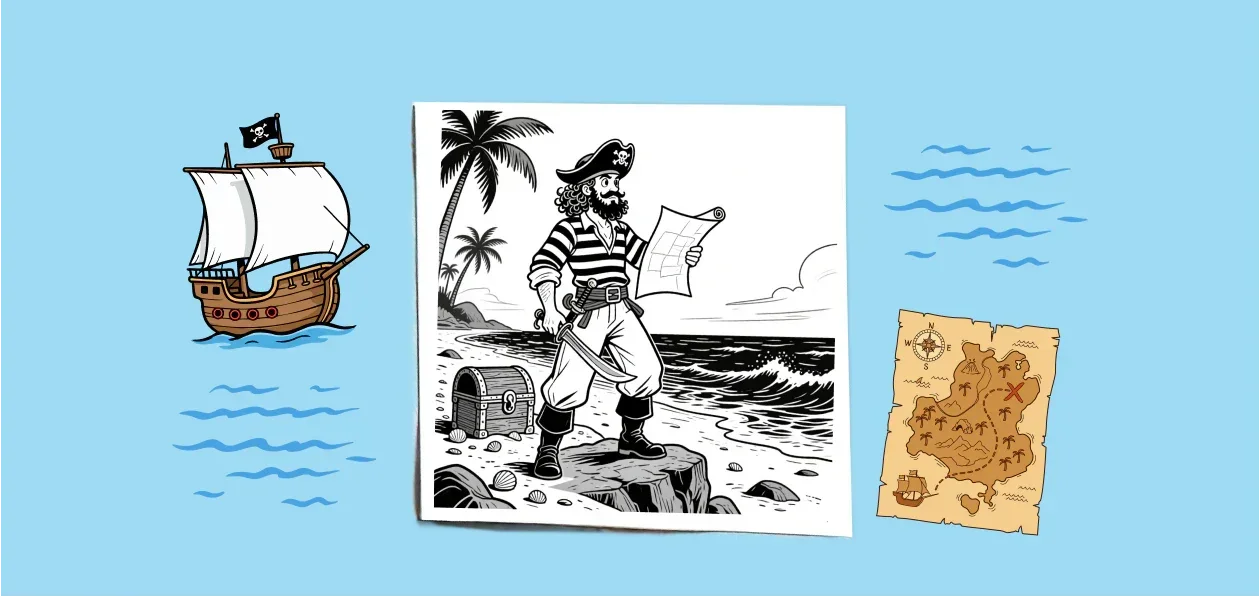
In the Mix & Match method, print stickers in two groups: Characters (like pirates, teachers, or aliens) and Places (like mountains, schools, or spaceships). Put each category in a separate jar. Kids draw one sticker from each jar, arrange them on paper, and craft a story around their random combination. The unexpected pairings lead to hilarious and imaginative tales!

Try character prompts like:

  • "A brave pirate with a treasure map"
  • "A friendly alien with big eyes"
  • "A magical fairy with sparkly wings"

Try place prompts like:

  • "A tall snowy mountain"
  • "A rocket ship in space"
  • "A spooky haunted house"
In the Complete Scene method, print stickers that each contain three elements combined: a character, an action, and a place (like a knight riding through a forest, a chef cooking in a kitchen, or a robot exploring space). Children pick one sticker, place it on paper, and build a complete scene around it by drawing additional details, writing what happens next, or describing the story out loud.

Try prompts like:

  • "A knight riding a horse through a dark forest"
  • "A robot exploring planets in outer space"
  • "A mermaid swimming through a coral reef"

Get your Stickerbox

Save more when you buy your Stickerbox essentials together.

5 saving options!

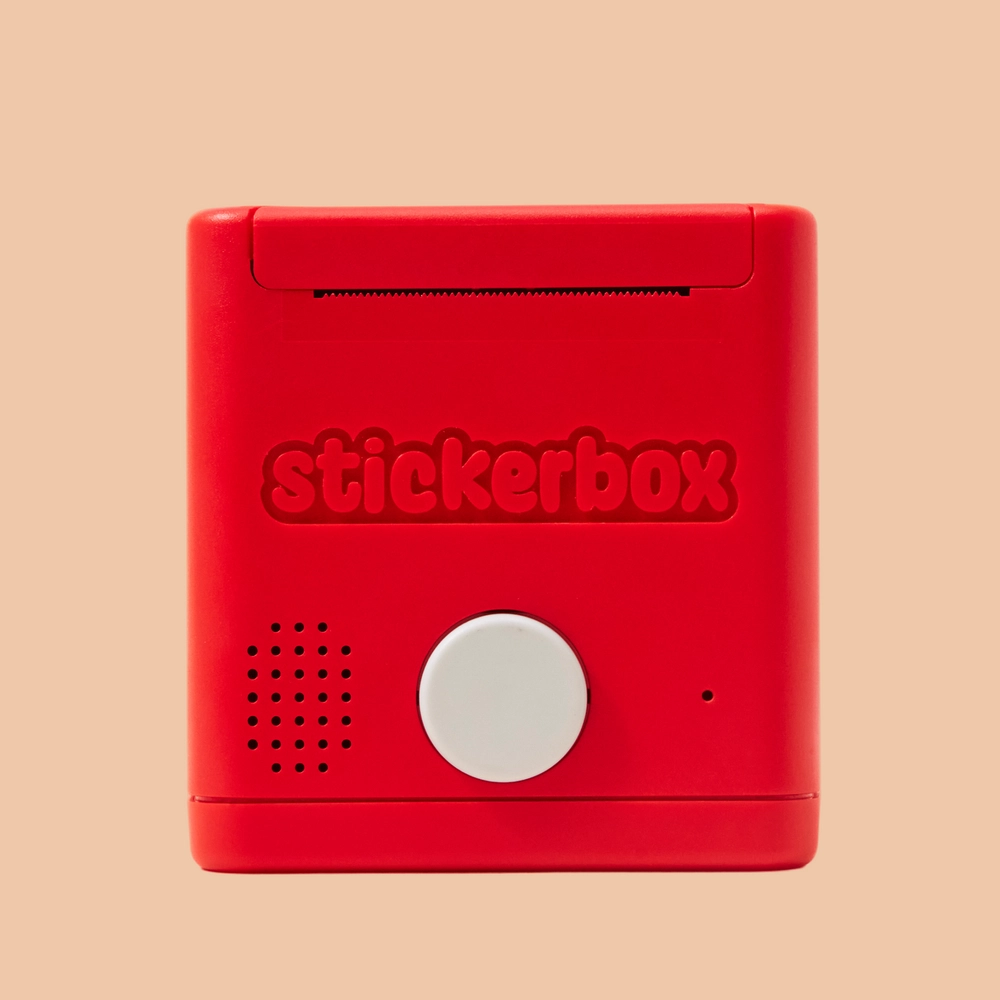
  • The red Stickerbox seen from the back, with its speaker grille and white button

    Stickerbox

    Starter Set

    Say it out loud and watch your imagination turn real. From “a dragon made of clouds” to “a balloon farm,” Stickerbox turns your wild ideas into black-and-white stickers, ready for coloring, collecting, and sticking anywhere you like.

    $129.99

    Shop Now Stickerbox
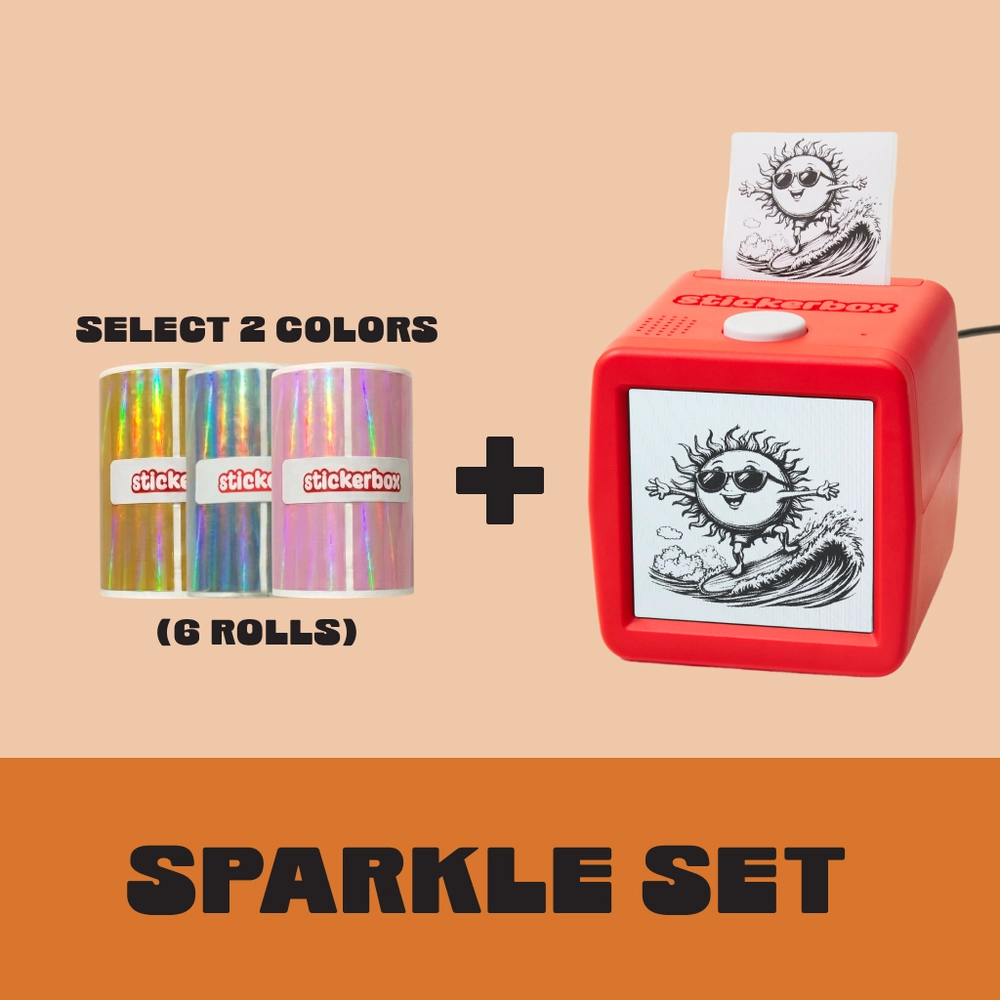
  • Sparkle Set: select 2 colors of holographic paper, 6 rolls, plus a Stickerbox

    Sparkle Set

    Pick any 2 of our 3 colors.

    Stickerbox plus any 2 holographic paper packs — everything you need to start printing shimmering stickers. Includes 8 colored pencils, 4 paper rolls (~265 stickers), and power adapter.

    $149.99 $159.97 Save $9.98

    Shop Now Sparkle Set
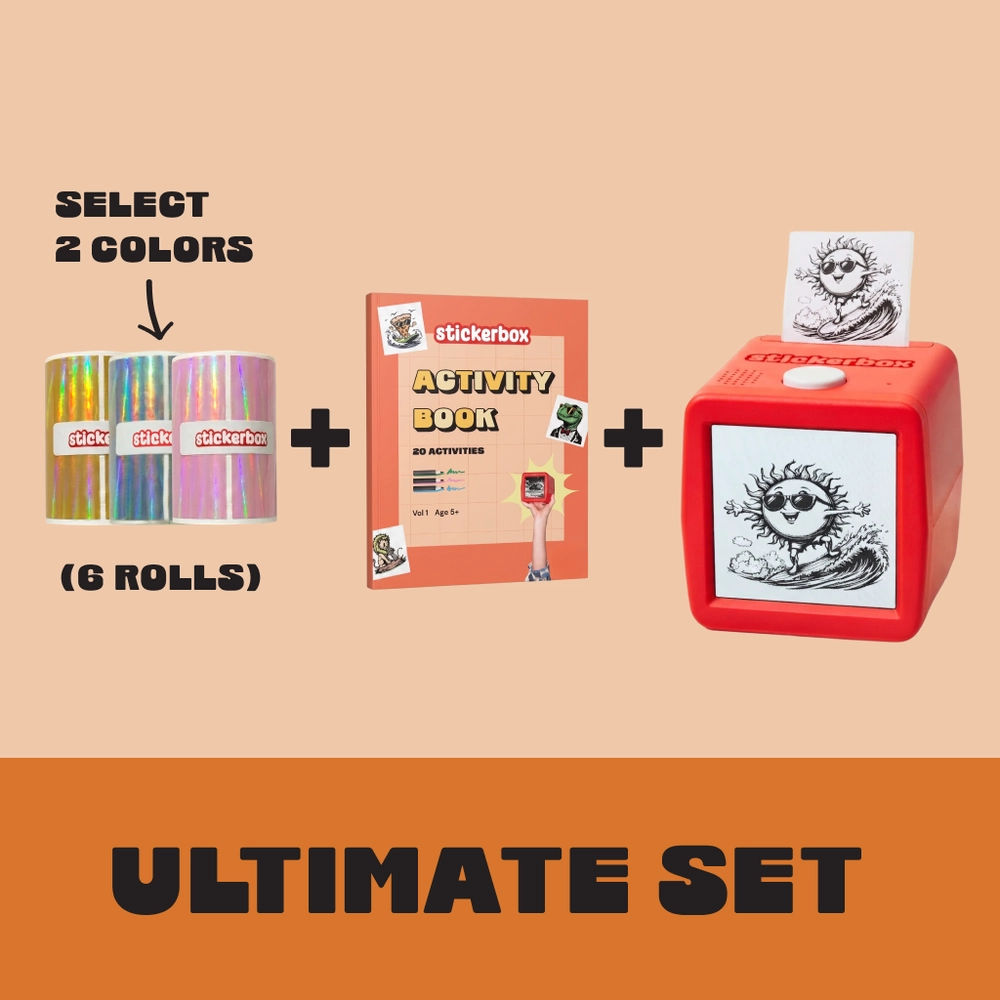
  • Ultimate Set: select 2 colors of holographic paper, the Activity Book and a Stickerbox

    Ultimate Set

    Pick any 2 of our 3 holographic colors.

    • 1x Stickerbox printer
    • 8x Colored pencils
    • 4x Regular paper rolls (~265 stickers, BPA/BPS-free) — 1 preloaded
    • 1x Power adapter (US standard)
    • 2x Holographic packs (3 rolls each) — your choice of Silver, Gold, or Pink
    • 1x Activity Book

    $159.99

    Shop Now Ultimate Set
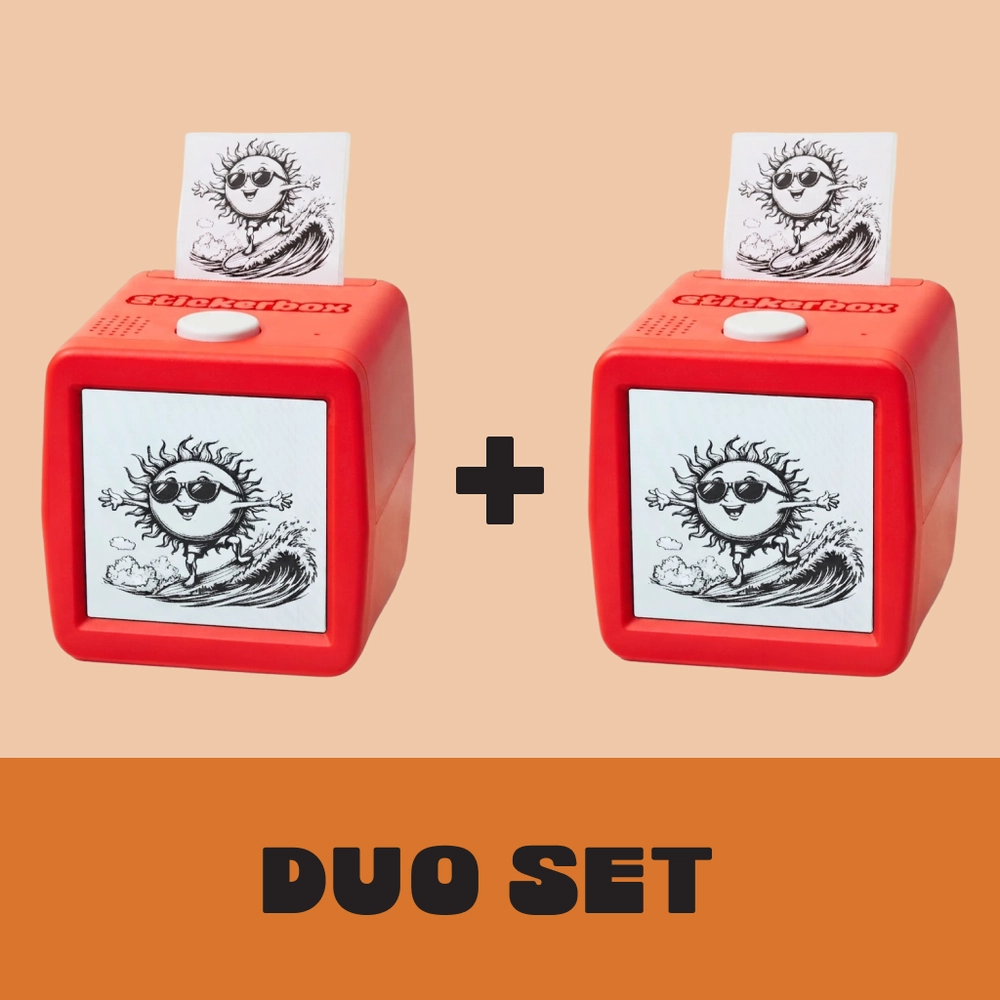
  • Duo Set: two Stickerbox printers side by side

    Duo Set

    Can two kids use them at the same time?

    Yes — each Stickerbox works independently, so two kids can design and print at the same time. No sharing or taking turns required.

    • 2x Stickerbox printers
    • 16x Colored pencils
    • 8x Regular paper rolls (~265 stickers each, BPA/BPS-free) — 1 preloaded per Stickerbox
    • 2x Power adapters (US standard)

    $239.99 $259.98 Save $19.99

    Shop Now Duo Set

What’s in the Box

Each Stickerbox order includes:

  • Your Stickerbox printer
  • 8 colored pencils
  • 4 paper rolls (BPA/BPS-free, ~265 stickers total)
  • 1 power adapter (US plug)
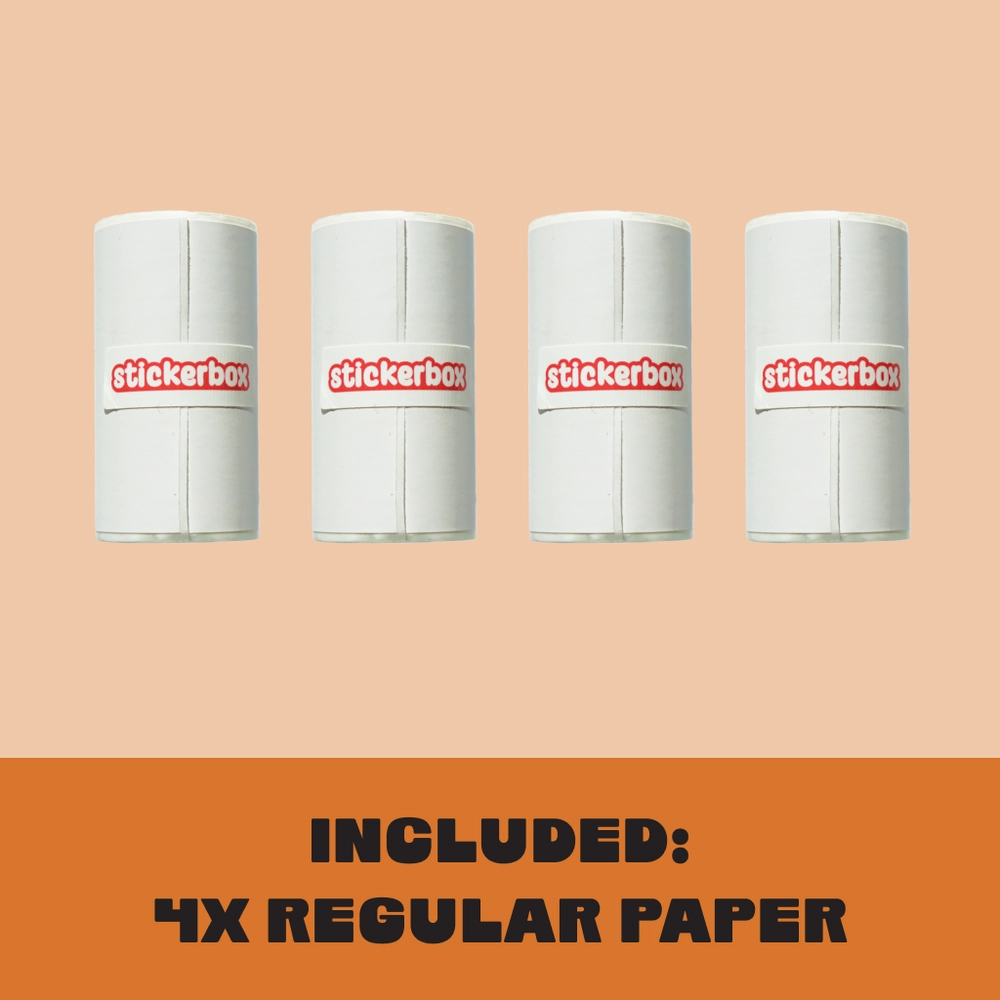
Included: 4x regular paper rolls

Refill packs are sold separately and include 3 additional paper rolls.

More Rolls

Stock up on paper rolls for your Stickerbox!

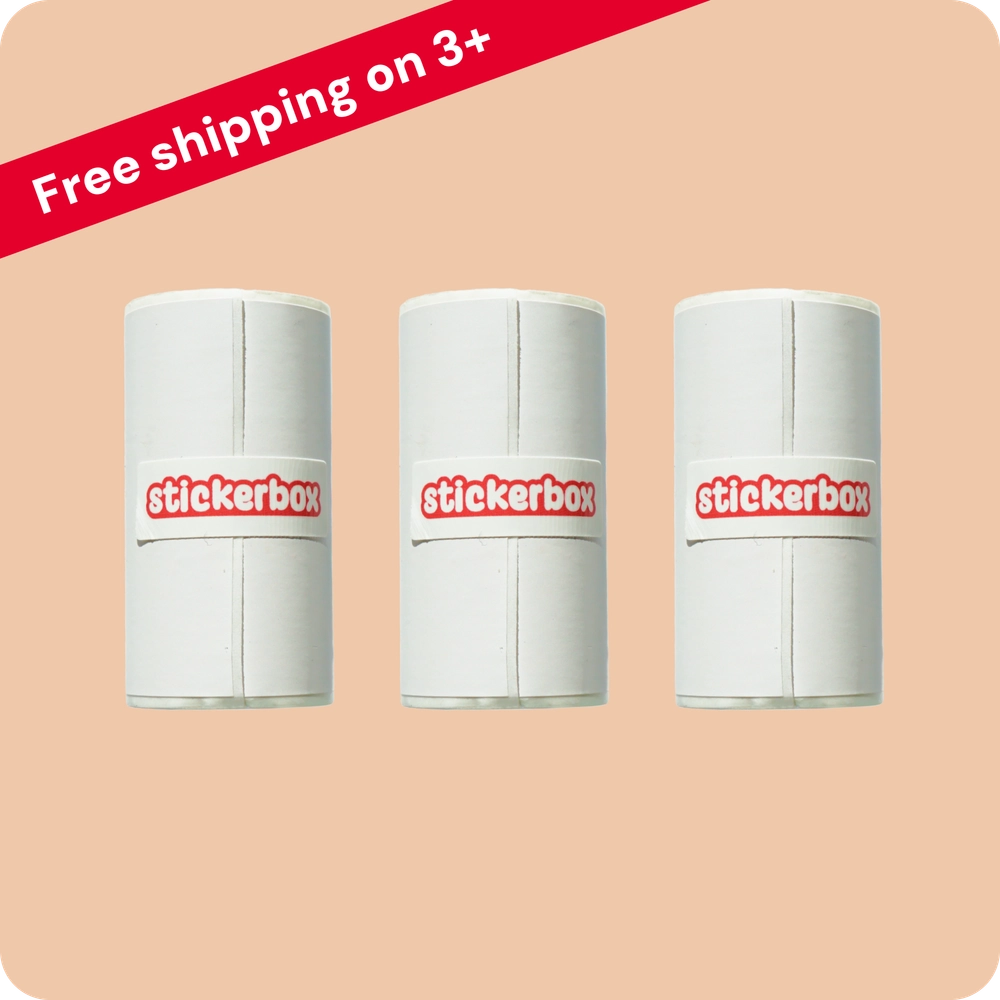
  1. Three rolls of Stickerbox paper refills with text: free shipping on 3+

    Stickerbox Paper Refill (3)

    Keep the creativity rolling! Each Stickerbox Paper Refill Pack includes three BPA/BPS-free rolls, with around 66 stickers per roll - that’s nearly 200 new ideas to print, color, and stick.

    starting at $5.99

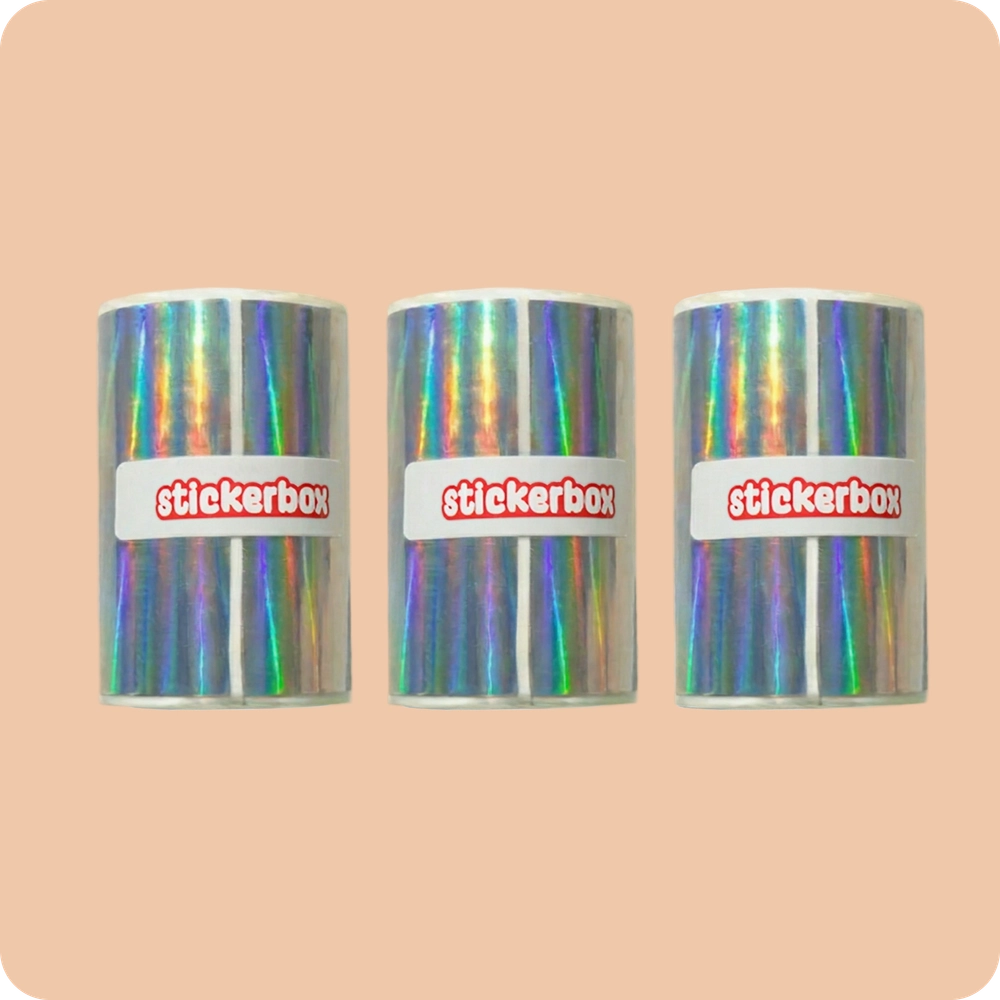
  2. Holographic Paper Refill (3)

    Holographic Paper Refill (3)

    Add some magic to your creations!

    $14.99

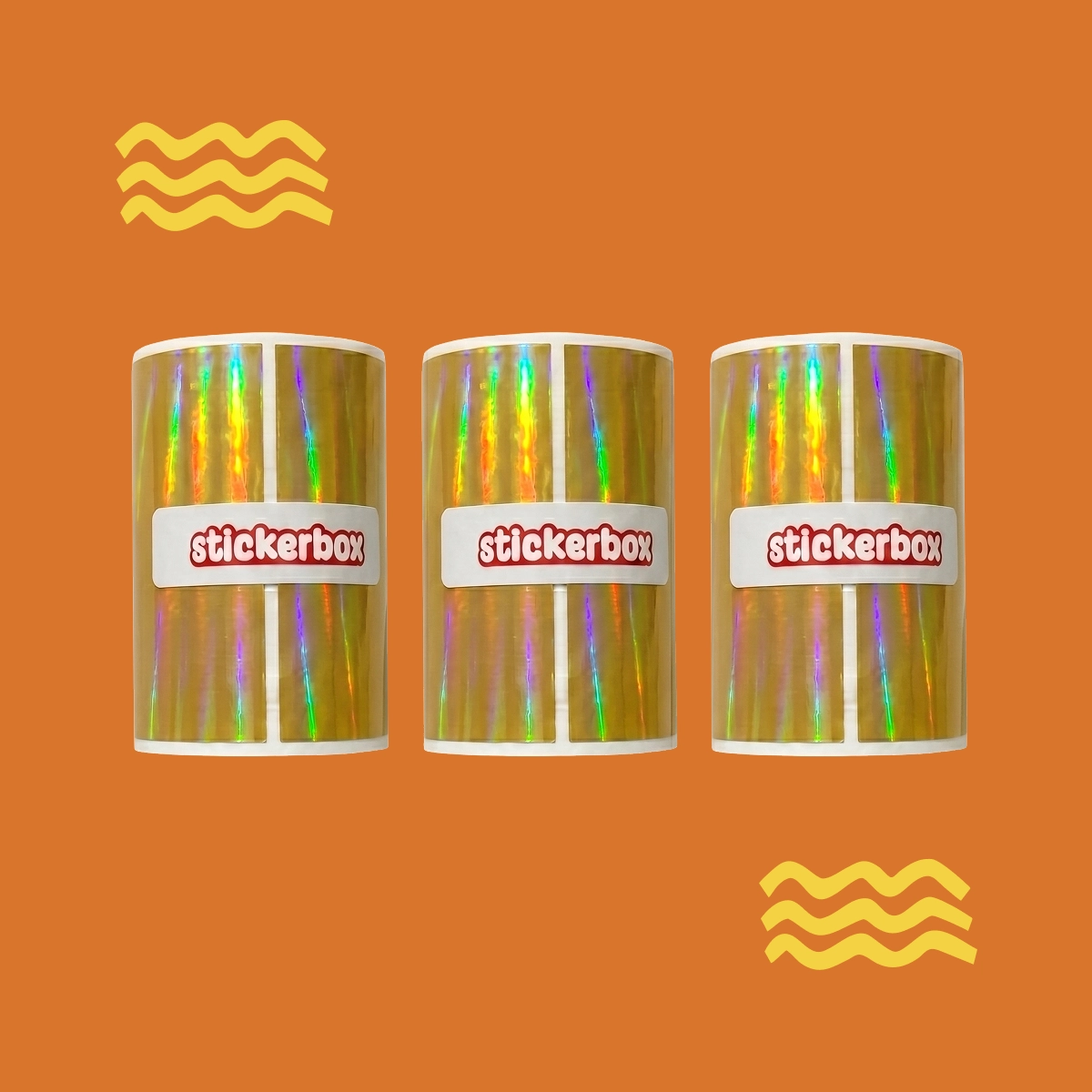
  3. Gold Holographic Paper Refill (3)

    Gold Holographic Paper Refill (3)

    Holographic shimmer in a rich, radiant gold. Each Stickerbox Gold Holographic Paper Refill Pack includes three BPA/BPS-free rolls, with around 66 stickers per roll. That's nearly 200 stickers to print, color, and stick. Kid-safe scissors required for cutting (not included).

    $14.99

  4. Pink Holographic Paper Refill (3)

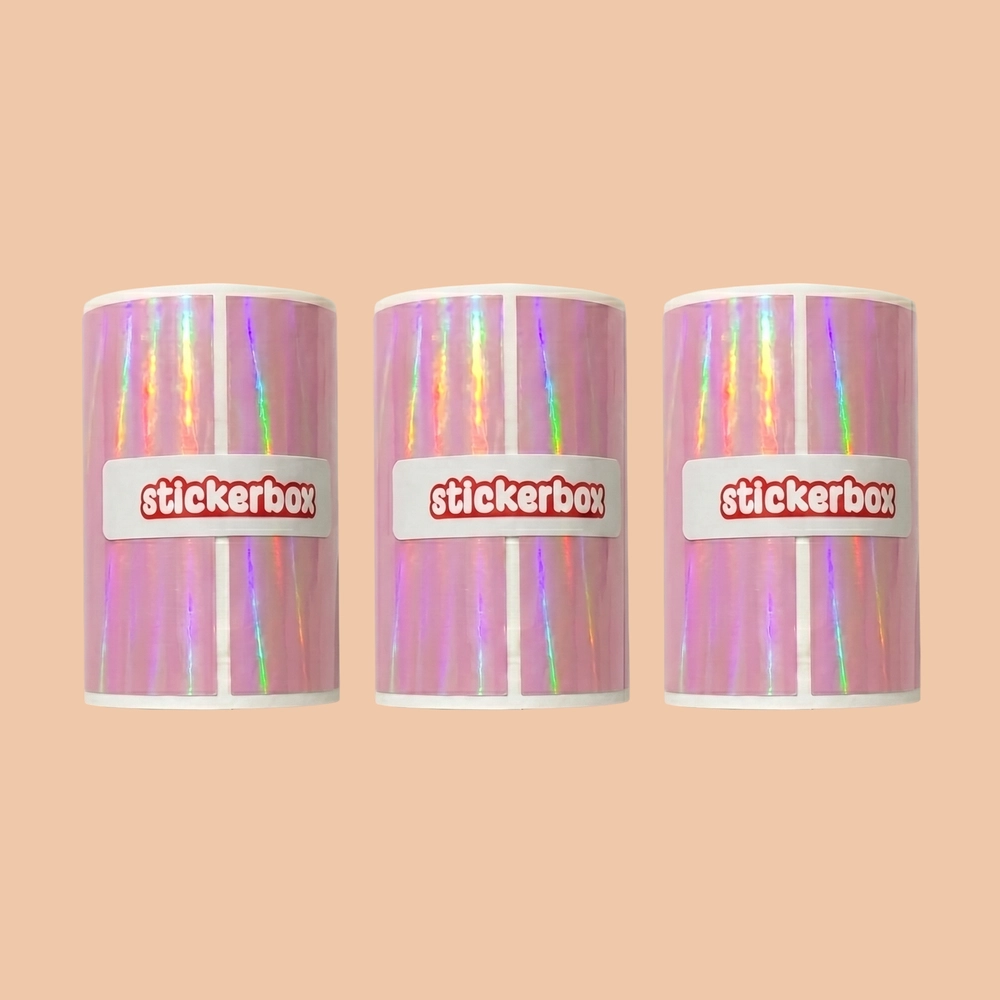
    Pink Holographic Paper Refill (3)

    Holographic shimmer in the dreamiest shade of pink.

    $14.99

  5. Transparent Paper Refill (3)

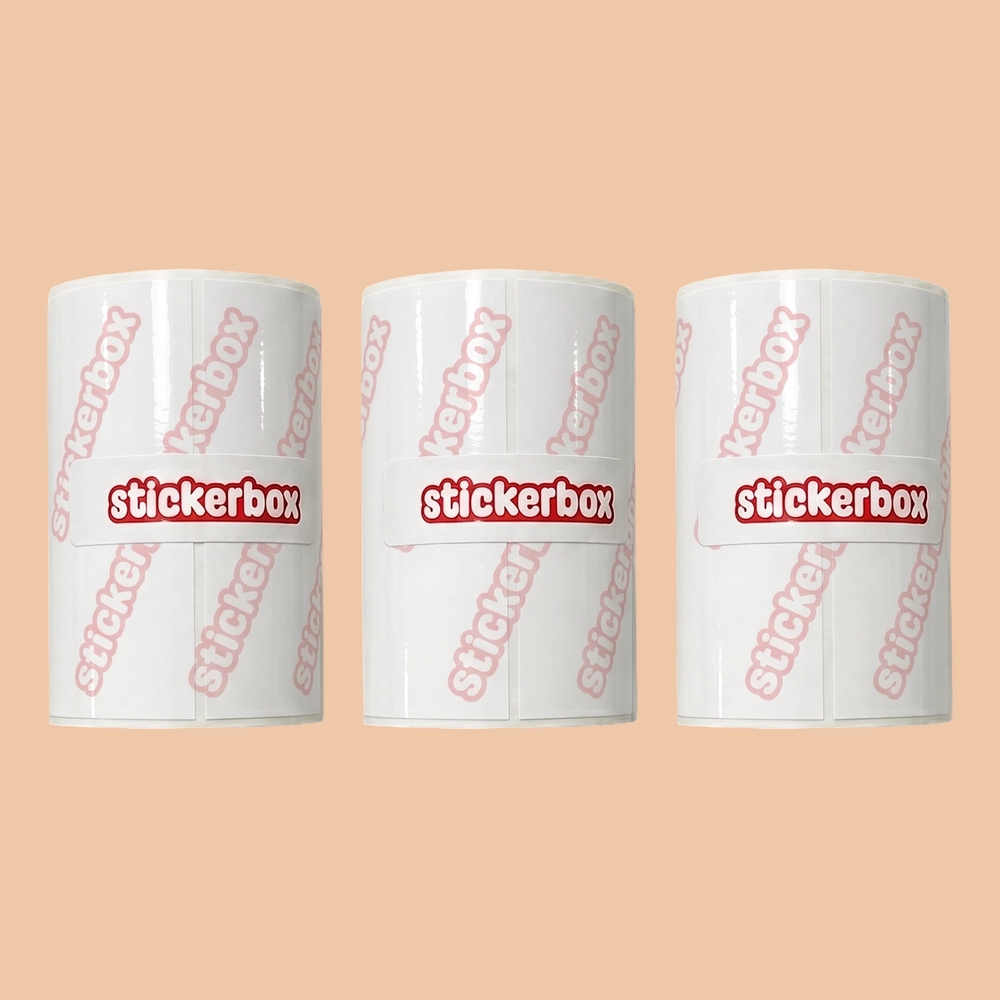
    Transparent Paper Refill (3)

    Clear paper, endless possibilities.

    $14.99

  6. Paper Sampler Set

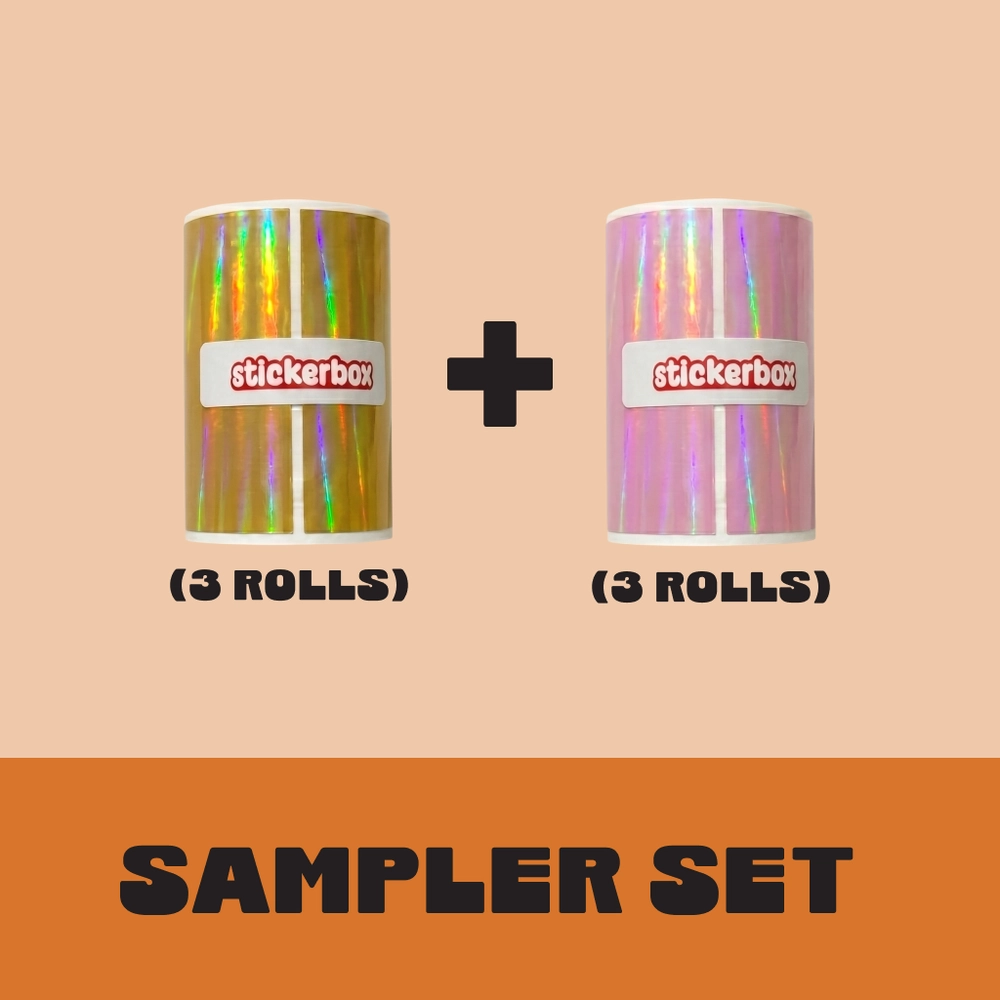
    Paper Sampler Set

    Paper only — a low-cost way to try our Holo finishes. 1x Gold Holographic pack (3 rolls). 1x Pink Holographic pack (3 rolls).

    $19.99

  7. Activity Book-Volume 1

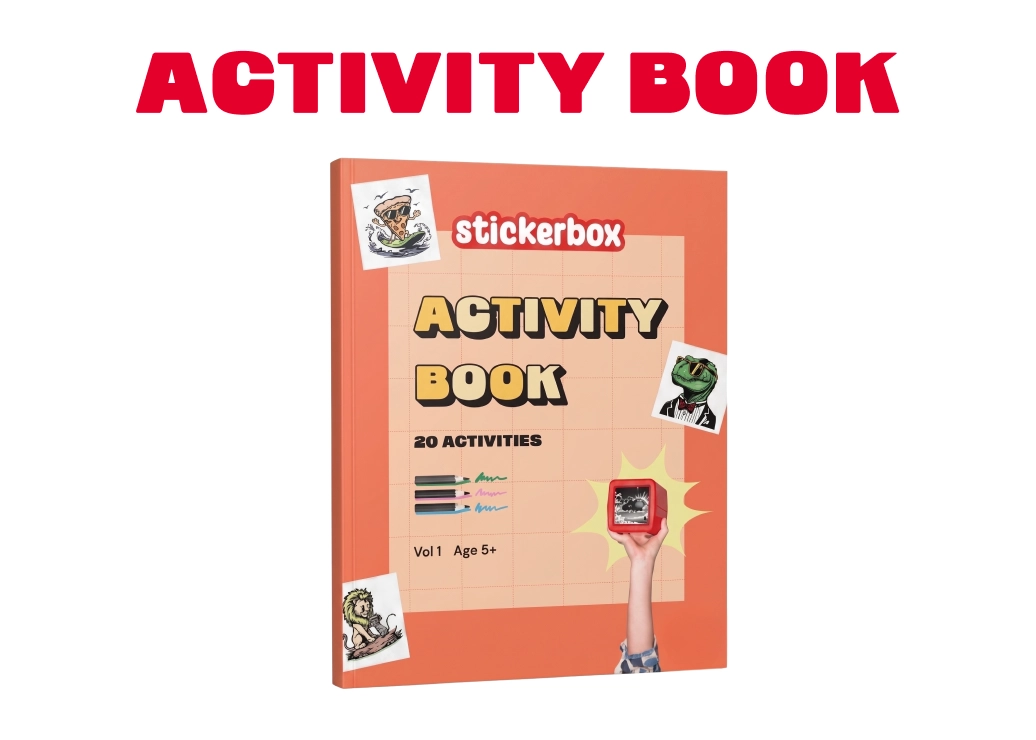
    Activity Book-Volume 1

    Turn your Stickerbox into a full-blown creative adventure. This 60-page activity book gives kids 20 open-ended prompts designed to spark imagination, storytelling, and hands-on making. No screens, no wrong answers, just stickers.

    $19.99

Roll width: 2 inches (compatible with all Stickerbox printers)

Please note that kid-safe scissors are required for cutting holographic paper.

Shop Paper Rolls

Parent approved

  • Voice-to-image generation
  • Thermal printing = no ink, no mess
  • Hands-on, screen-free creativity
  • Kid-safe AI + thoughtful design
  • No-BPA and no-BPS printing paper

www.kidsafe.com

Serious about your family’s security

A closed system with enhanced encryption ensures that every byte of your family’s data is protected.

How is Stickerbox different from other AI Sticker Printers?

Great question, and one worth asking. As AI voice-activated sticker printers have started appearing online, it can be hard to tell them apart. What makes Stickerbox different is that it was built for kids from the ground up, not adapted from adult tech. Here's how:

  • Kid-safe AI with multiple layers of protection

    Stickerbox doesn't just filter bad words. It runs every prompt through multiple content safety layers before anything is generated or printed. If an idea isn't age-appropriate, kids are encouraged to try something new.

  • COPPA Compliant + KidSAFE Certified

    Stickerbox is certified by kidSAFE, an independent safety certification program, and is fully COPPA compliant. This isn't self-reported. It means our data practices, privacy policies, and content safeguards have been reviewed and approved by a third-party auditor. Most competing products carry no equivalent certification.

  • No always-on listening

    Stickerbox only listens when your child physically holds down the button. The moment they release it, listening stops. There is no wake word, no background audio processing, and no ambient recording. Voice data is processed and immediately discarded, never stored long-term or used for training.

  • BPA/BPS-free thermal paper, because little hands matter

    We take our paper seriously. Stickerbox stickers print on thermal paper that is certified BPA and BPS-free, meaning no harmful chemicals transfer to the hands that peel, hold, and color every sticker. Many competing products list "BPA-free" only or have no disclosure at all.

Is Stickerbox always listening?

No. Stickerbox only listens when the top button is pressed.

Does Stickerbox store or share the voice data?

No. Stickerbox only holds the voice recording briefly while it creates the sticker, then deletes it automatically. It never shares any personal information.

Safe play, every day

Built around kids, from the first word

From the moment your child dreams it up to the moment they decide where it sticks Stickerbox keeps creativity safe, private, and age-appropriate.

  1. Privacy first

    Stickerbox safety starts with privacy. Stickerbox is COPPA-compliant and only listens when the white button is pressed - no eavesdropping, no recording. We don’t store data, sell it or use it for ads.

  2. Unsafe ideas blocked

    Stickerbox built-in safety systems block any adult or inappropriate terms before anything is created. If a prompt doesn’t pass, kids are encouraged to try a new idea, keeping creativity flowing safely.

  3. Kid-friendly creation

    When a prompt passes the safety checks, Stickerbox creates artwork designed for young creators using kid-specific styles and built-in content filters.

  4. Safe to hold

    Stickers print on BPA/BPS-free thermal paper, made for little hands and big imaginations.

  5. Parents stay in control

    Parents can review their child’s creation history in the companion app and decide how Stickerbox fits into family life.

  6. Made for the real world

    Once it prints, creativity goes offline, into coloring, storytelling, and hands-on play. No screens. No feeds. No online risks

Stickerbox in the wild

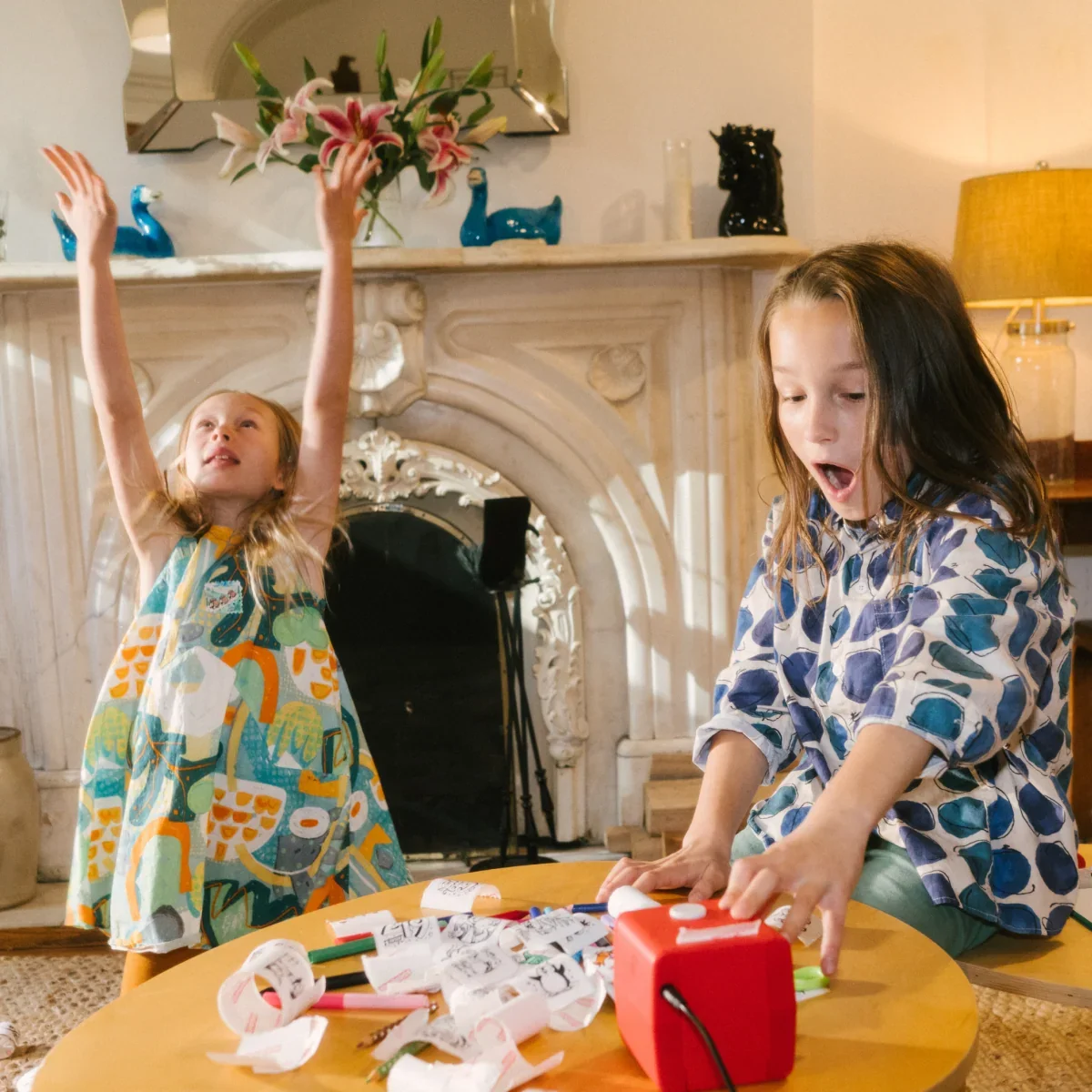
Two young girls are playing with Stickerbox in a cozy living room. The girl on the left is wearing a colorful patterned dress and has her arms raised in excitement, while the girl on the right, wearing a blue and white patterned shirt, is looking at Stickerbox.

“This might just be the coolest creative tool I've seen for kids”

-Jessica C.

“Best invention ever!”

-Jenni L.
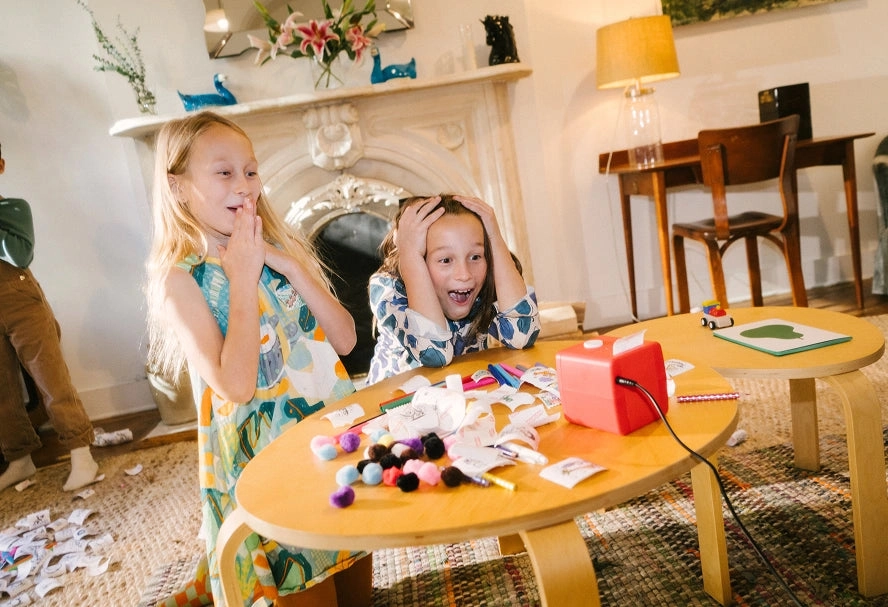
Two girls gasp with their hands on their faces at a table covered in stickers, pencils and a red Stickerbox
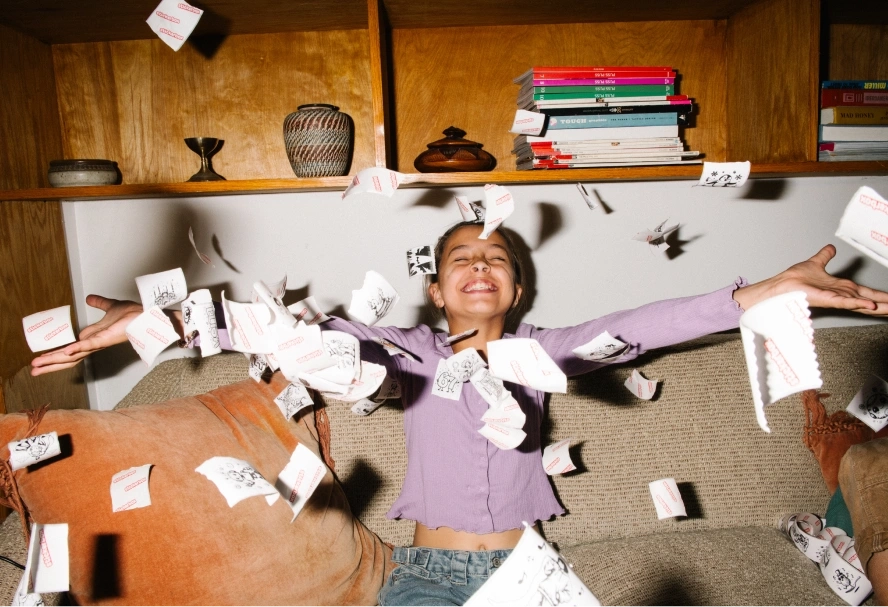
A child sitting on a couch joyfully throwing stickers into the air.

Tag us @stickerbox to be featured

In the classroom

“This is the bridge between writing instruction and AI literacy”

Haley Moore, Upper Elementary Montessori Math & Science Teacher
  • “I use Stickerbox in my classroom in many different ways! One example is to support the unit, How We Express Ourselves. The kindergarten students wrote creative stories and spoke their titles into Stickerbox to create a matching sticker for their cover page. This activity strengthened the connection between oral language, imagination, and visual expression.”

    Robin Thomas
    Pre-primary Montessori School Teacher, FL
  • “In the STEM lab, we use our Stickerbox in many different ways. For our third-grade Planet Doodle project, students imagined a brand-new planet and designed a unique creature that lived there. They carefully considered details such as the number of eyes and legs, shape, texture, patterns, and special features like horns or antennae, then brought their ideas to life as stickers. Students love pointing out their designs to friends in our hallway display.”

    Brianne Furstein
    Kindergarten - 3rd Grade Teacher, NY
  • “The class has a ‘prize bin,’ and the Stickerbox is included with that. Stickerbox has helped create a fun class culture as we help one another come up with sticker ideas. Students celebrate each other’s wins and even gift one another with precious stickers they have made. These become a sort of ‘badge of honor’ as they put them on their folders and notebooks.”

    Shawna Meserve
    3rd Grade Teacher, AZ

Every child deserves a bit of magic, whether in a classroom, waiting room, or community center. That's why we launched the Everyday Heroes Program for educators, healthcare providers, and organizations supporting children daily.

We offer two ways to get involved:

Apply Now

1. Donation & Discount Program

For schools, hospitals, nonprofits, and community spaces. Depending on your organization, you may qualify for a donated unit or a discount of 10–20% off. All we ask is that you share your experience with us.

2. Educator Ambassador Program

For teachers, therapists, homeschool educators, and AI/STEM specialists who want to bring Stickerbox into their practice and help shape how kids learn with it. Ambassadors receive free units, discounts, and optional affiliate commissions in exchange for authentic content and case studies.

Our Mission

There’s nothing like a child’s imagination, how it turns the everyday into magic.

At Stickerbox, we build springboards to unleash that imagination, playfully, safely, and without limits.

We believe technology shouldn’t distract or dictate, it should empower kids to dream bigger, create freely, and see their ideas come to life in the real world.

Our Story

Stickerbox was born out of play. One afternoon, our co-founder Bob was experimenting with a generative AI tool alongside his young son. What started as a silly, laughter-filled game quickly became a spark: what if AI could fuel kids’ imagination instead of replacing it? How could we show them technology is a tool, not an escape?

That moment led to Stickerbox, a first-of-its-kind creative tool that turns a child’s voice into a real sticker they can color, share, and stick wherever their imagination takes them. We built it so kids can take charge of their creativity, hands-on, scroll-free, and full of possibility. Because when imagination meets empowerment, incredible things happen.

The founders

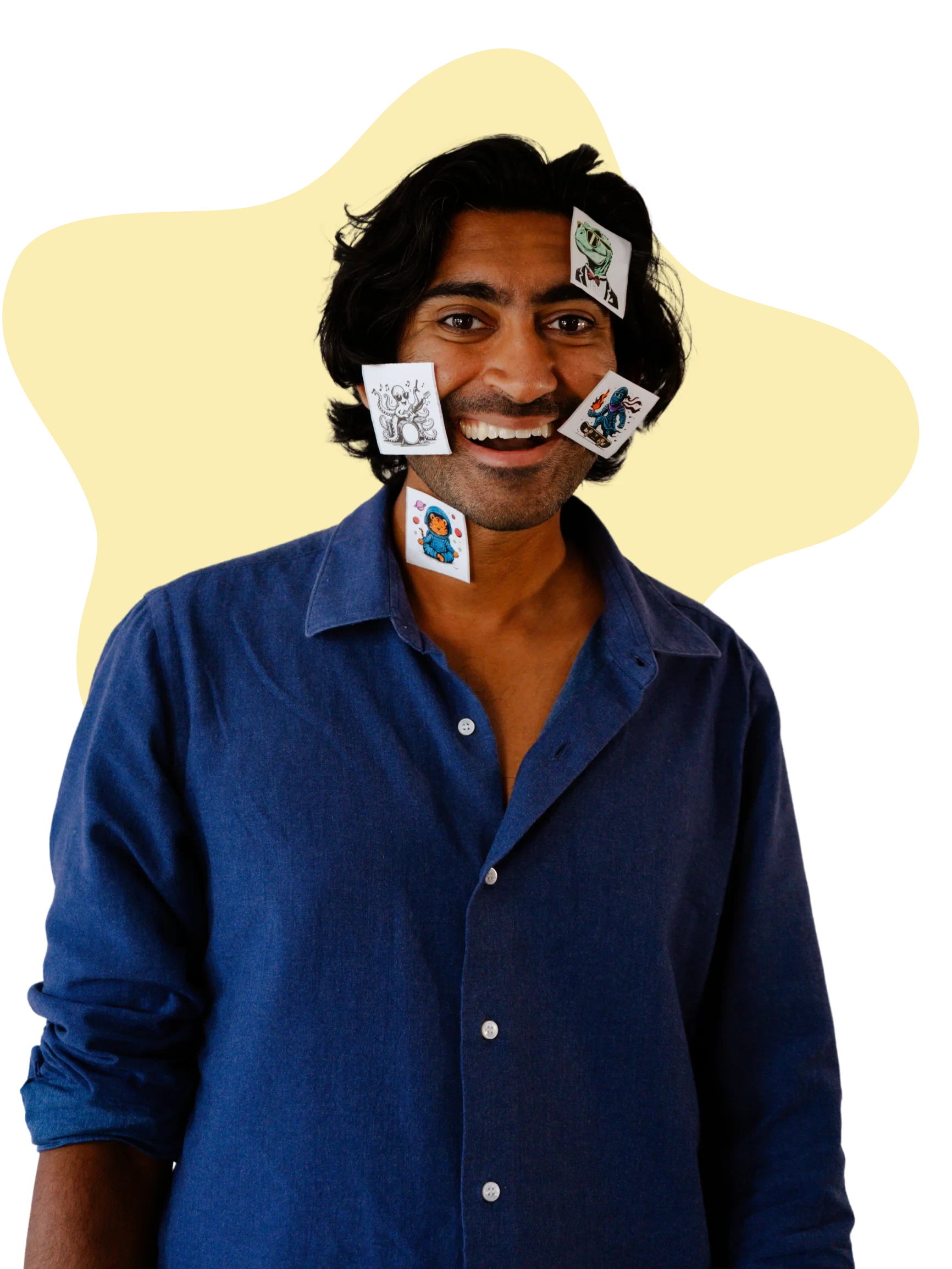
Arun Gupta, smiling, with small stickers stuck on his face and shirt

Arun Gupta

CEO & Co-Founder

Arun loves building products that connect people and spark creativity. He started with WakeMate (one of YC’s first hardware startups), then founded Grailed, which grew from a small idea into a global fashion marketplace later acquired by GOAT. Now at Hapiko, he’s focused on the next generation—creating technology that doesn’t distract kids, but empowers them to imagine, create, and share their worlds.

Bob Whitney, arms crossed, balancing a small red Stickerbox on his head

Bob Whitney

CTO & Co-Founder

Bob has spent his career at the intersection of art, games, and technology, with roles at Grailed, NYT Games, and Anthropic. He’s always been passionate about creating tools that surprise, delight, and bring people together. With Stickerbox, he’s channeling that background into tech that gives kids real creative independence, simple, fun, and made for the real world.

Stickerbox 101

Welcome to a world where imagination becomes real. After plugging in your Stickerbox, follow the instructions below to get started.

  1. 1. connect your stickerbox

    Connect through the Stickerbox App (the easiest option):

    1. Download the Stickerbox App
    2. Scan the QR displayed on the Stickerbox from within the app
    3. Select your prefered Wifi network from the list
    4. Enter your Wifi password
    5. A 6-character code will display on the Stickerbox screen, please input this on the app
    6. Click 'Link Device'
  2. 2. Load the paper

    New Stickerbox units come with paper preloaded, so you're ready to print right away. When you need to load a new roll: have an adult unscrew the silver screw at the bottom with a #2 Phillips screwdriver or equivalent. Lift the door, load the paper with the printable side facing front, and close it back up. Don't over-tighten.

  3. 3. make your first sticker!

    Press and hold the white button, say a prompt like "a ghost with sunglasses riding a skateboard," and watch your idea print!

Delivery & Returns

We ship all orders from California on your designated batch date. Choose the delivery speed that fits your needs:

Shipping Options
Next-Day Shipping1 business day
Express Shipping3-4 business days
Standard Shipping5–7 business days

Please allow 1-2 business days for handling. Once your Stickerbox is on its way, you’ll receive a tracking link to follow the magic in motion.

Orders are fulfilled Monday–Friday (excluding holidays). We currently ship within the United States only.

Returns & Exchanges
Unopened boxes:Return within 30 days of delivery for a refund to your original payment method.
Opened boxes:Not eligible for refund, but we will replace any item that arrives defective or damaged.
Paper rolls:Returnable only if unopened, within 30 days of delivery.

Refunds are processed within 5–10 business days after your return passes inspection. Original shipping fees are non-refundable.

If your Stickerbox arrives damaged or doesn’t power on, contact us within 7 days of delivery at help@stickerbox.com.

Warranty. Your Stickerbox comes with a 6-month limited warranty covering defects in materials or workmanship under normal use.

Refer a friend

What's more fun than bringing your kid's wild imagination to life with Stickerbox?

Having friends to trade, share, and collect stickers with.

Invite a friend to Stickerbox and they'll get $30 off their first box. Once they order, you'll get $30 toward your next Stickerbox.

Send your unique referral link to friends or family.

Refer a Friend

Your friend

saves $30

They get $30 off their first Stickerbox when they order using your link.

You

You get $30

Once they purchase, $30 is automatically applied to your next order.

Two children at a round table sharing a red Stickerbox and a pile of freshly printed stickers

The best part? The more friends you invite, the more Stickerbox credit you earn to spend on paper rolls, limited drops or even a new Stickerbox!

Top FAQ's

Have other questions?

Write to us. We got you.

Email us at help@stickerbox.com

What kind of printer is Stickerbox?

Stickerbox is a voice-activated thermal sticker printer designed specifically for kids ages 5 and up. Children speak their ideas out loud (like "a penguin in a race car") and Stickerbox uses AI to generate and instantly print a custom black-and-white sticker using thermal technology. No screens, no ink, no mess.

What age is Stickerbox best for?

Stickerbox is designed for kids ages 5 and up, but it's genuinely fun for the whole family. Younger children (ages 2–4) enjoy it with a little help from a parent or older sibling. Older kids and adults love it for journaling, decoration, and getting competitive with creative prompts. If you can imagine it, Stickerbox can print it.

What is the Stickerbox app for?

The Stickerbox parent companion app helps you set up your box, view and share your creations, and manage your device.

Do I need to buy ink refills for Stickerbox?

No. Because Stickerbox uses thermal printing, there are no ink cartridges or toner to replace, ever. The only consumable is the paper roll, which comes with 66 stickers per roll. Refill 3-packs (~200 stickers) are available on our website and ship free.

Does thermal printing fade over time?

Thermal prints can fade if stored in heat, direct sunlight, or near chemicals for extended periods. This is true of all thermal paper products. To keep stickers looking their best, store unused rolls in a cool, dry place away from sunlight. Once colored in, the colored pencil layer helps protect the print.

Can I use other thermal paper?

No. Only Stickerbox paper is supported. Other paper will damage the printer and void your warranty. Stickerbox paper rolls are BPA and BPS free.

Can more than one person use the same Stickerbox?

Yes. Multiple kids (or grown-ups!) can take turns using the same device. Each creation is printed instantly, so no logins or profiles are needed.

Can I use Stickerbox without Wi-Fi?

You will need Wi-Fi or a hotspot connection to connect and generate new stickers. Once your Stickerbox is connected, you can move it around your home as long as it stays in range.

Does it run on batteries?

No. Use the included power adapter only.

Why was I charged sales tax?

We are legally required to collect sales tax. If you buy through a third party like Shop App, TikTok, or IG Shop, sales tax is collected and handled by that marketplace platform.

  • Unlimited ideas
  • Safe play every day
  • Instant printing

Ready to start making?

stickerbox showing different stickers

It's time to unlock a world of unfiltered joy and turn imagination into something you can hold. Let’s celebrate all the weird, wonderful, and totally unique ideas waiting to be spoken, printed, and shared.

Order Now

Part of the Spin Master family